


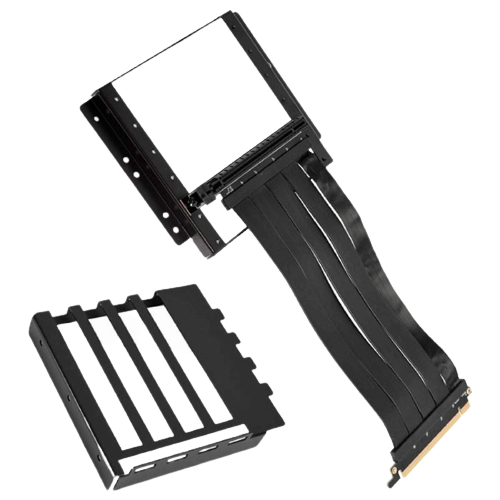
Lian Li O11D-1 PCI-E x16 3.0 Extender Riser Cable 200mm and Cover Bracket - O11D-1X - Black
بدءاً من
 199.00
-
ضمان لمدة سنتين
-
توصلك سليمة… أو نستبدلها فورًا.
-
شحن مجاني، يصلك خلال يومين إلى 5 أيام
-
ادفع بواسطة


تفاصيل المنتج
Key Features
- Make sure that your motherboard BIOS is the latest version else update to the latest version.
- Install your GPU directly to the motherboard and start.
- Enter your BIOS, set the PCIE slot from "Auto" to "Gen 3".
- Save your settings and turn off the system.
- Install the PCIE 3.0 riser cable to the motherboard and the GPU, the system would be able to work.


لا يوجد وصف متاح.
لا تتوفر مواصفات فنية.
199.00