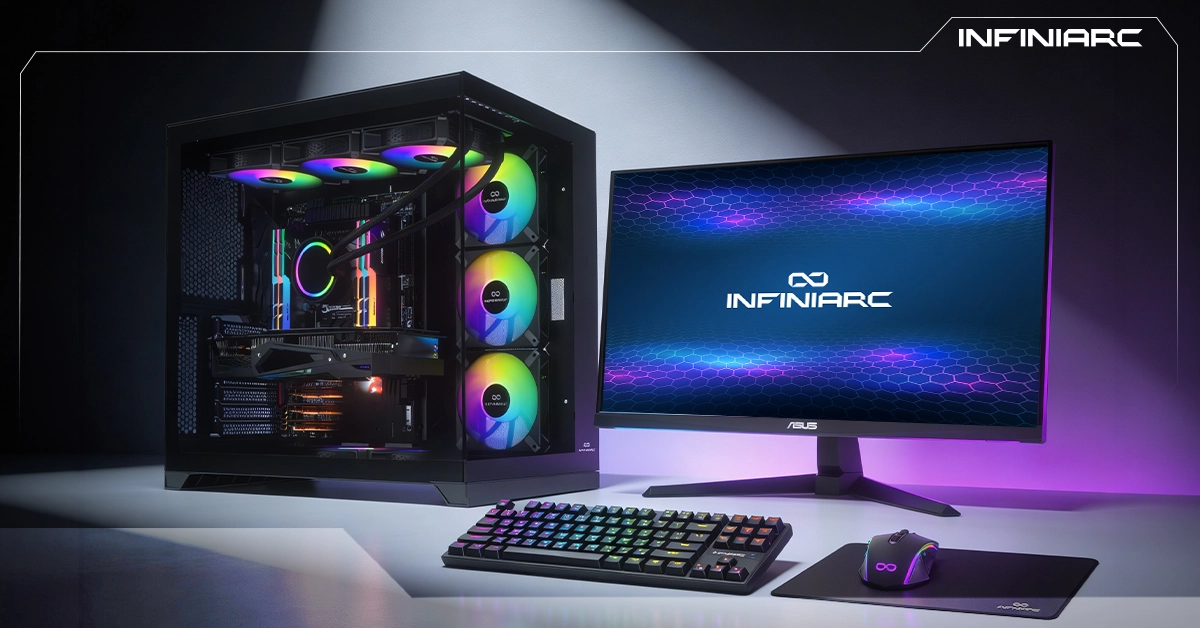
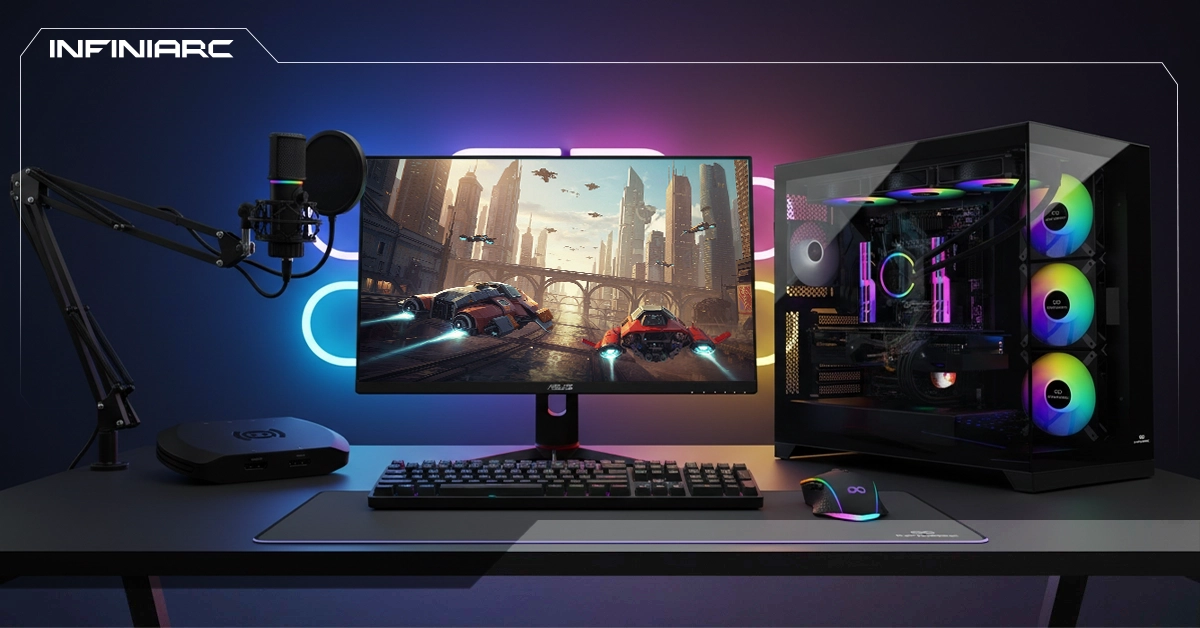
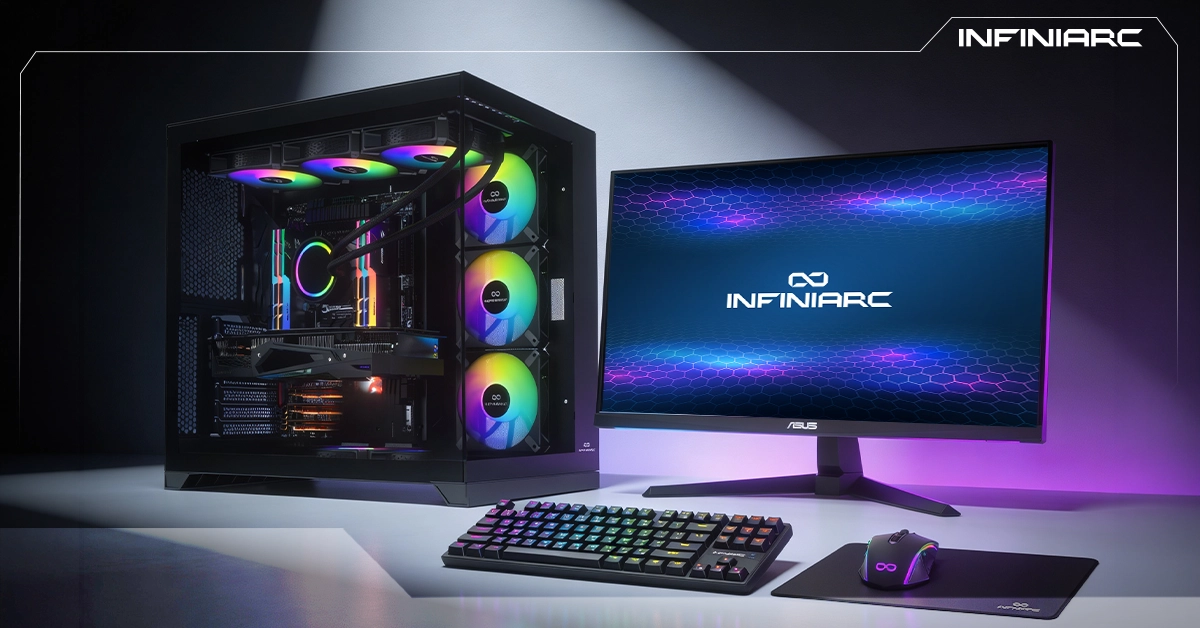
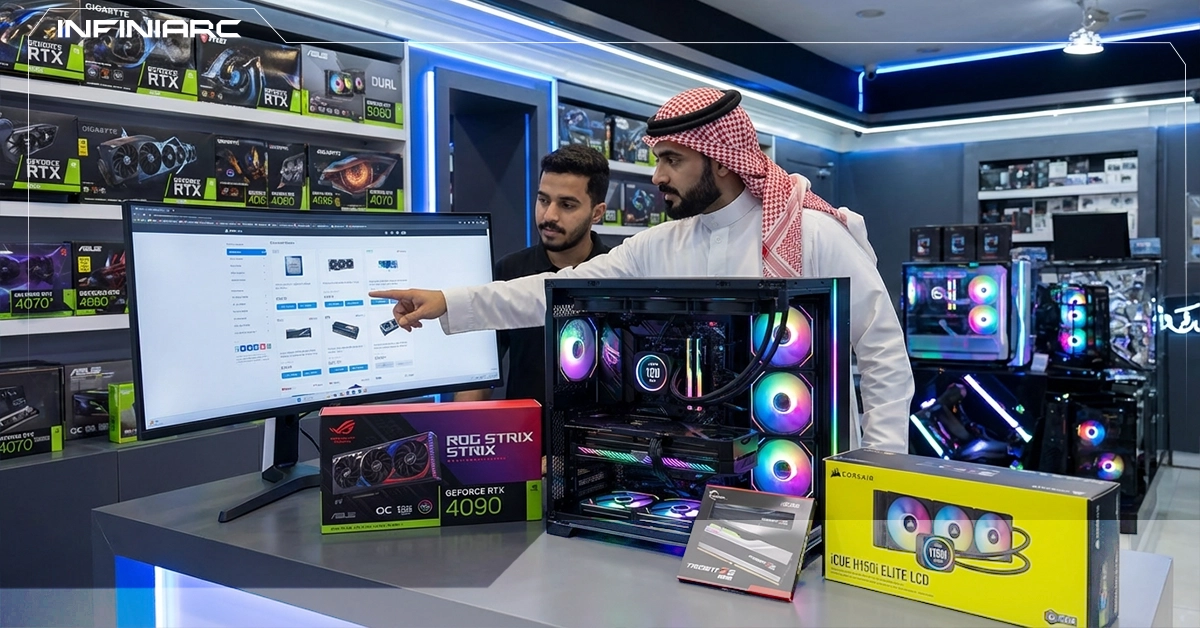
A custom gaming PC is the ultimate choice for players seeking high performance and an exceptional experience. These builds combine powerful processors, advanced graphics cards, fast DDR5 memory, and advanced cooling systems to run modern games without stuttering or lag all wrapped in sleek designs with RGB lighting. They give you the ability to compete professionally, enjoy the latest titles, and handle multitasking with outstanding efficiency.
How to Determine the Right Build Before Buying
- Define your primary use case
Start by identifying whether the build is for gaming, video editing, design, or everyday use this determines which CPU and GPU you actually need.
- Set and distribute your budget
Allocate 30–40% to the GPU, 20–30% to the CPU, and the remainder to the motherboard, RAM, storage, and cooling. Always prioritize the GPU and CPU as the core components.
- Choose the right CPU
Focus on a processor that matches your use case AMD Ryzen or Intel Core i5/i7 for gaming. Verify core and thread count (minimum 6 cores for demanding tasks).
- Verify compatibility
Use tools like PCPartPicker to confirm socket compatibility (AM5 for Ryzen, LGA1700 for Intel) and ensure the GPU and CPU are matched to avoid bottlenecking.
- Select the right GPU
Choose based on your budget and target games options like the NVIDIA RTX 4060 or AMD RX 7600 cover most mid-range needs. Consider card dimensions and fan count for cooling.
- RAM and storage
Go with 16–32GB of fast RAM (3200MHz or higher) and a 1TB NVMe SSD for fast storage. Calculate total power consumption and choose a 650W or higher 80+ Gold PSU for safety and stability.
- Case and airflow
Select a case that supports good airflow and fits your components, with additional fans if needed. Review the full build using compatibility tools before finalizing.
The Most Important Components to Focus On
- GPU — Graphics Card
The most critical component in any gaming build controls graphics quality and FPS in every game.
- CPU — Processor
Manages game calculations and AI. Must be multi-core AMD Ryzen 5/7 or Intel Core i5/i7 to avoid bottlenecking the GPU.
- RAM
16–32GB DDR5 (or fast DDR4 at minimum 3200MHz) is essential for multitasking and loading demanding games without delay.
- Motherboard
Connects all components and determines compatibility. Choose a board with the right chipset (B650 for AMD or Z790 for Intel) with PCIe 5.0 and M.2 slots.
- Storage
Start with a 1TB NVMe SSD minimum for ultra-fast game loading (read speeds up to 7000MB/s). Add an HDD for bulk storage if needed but the SSD is always the performance priority.
- PSU — Power Supply
750W or higher with an 80+ Gold certification to support powerful components without voltage fluctuations. A mid-range build typically draws 500–600W.
- Cooling and Case
A strong air or liquid CPU cooler paired with a case that supports excellent airflow (large front intake fans) keeping temperatures below 80°C under full load.
How Much Does a Custom Gaming PC Cost?
- Performance level required
High-performance builds for 4K or 1440p gaming at high frame rates cost significantly more due to premium components. Budget 1080p builds are typically 40–50% cheaper.
- GPU generation and model
RTX 50-series or RX 8000 cards account for 30–50% of total build cost. Newer generations like the RTX 5090 push prices substantially higher than previous-gen options.
- CPU performance and core count
High-end processors like the Ryzen 9 or Core i9 with 16+ cores add significant cost. Mid-range options like the Ryzen 5 or i5 deliver a practical balance for most gaming workloads.
- RAM capacity and speed
32GB DDR5 at 6000MHz+ paired with a 2TB NVMe SSD nearly doubles the cost compared to DDR4 or smaller storage configurations.
- Motherboard quality
Advanced boards with X870 or Z890 chipsets, PCIe 5.0, and WiFi 7 cost 20–30% more than entry-level equivalents worthwhile for future upgrade headroom.
- PSU and cooling
An 850W+ 80+ Gold or Platinum PSU with 360mm liquid cooling adds meaningful cost but guarantees stability under heavy sustained load compared to basic alternatives.
10 Mistakes to Avoid When Buying a Gaming PC
- Incompatible components a CPU socket that doesn't match the motherboard, or DDR5 RAM on a DDR4-only board, means the system simply won't run
- Only 8GB of RAM causes stuttering in modern games, especially with multitasking running. Start with 16–32GB DDR4/5
- Weak CPU with too few cores a 4-core or fewer processor bottlenecks the GPU in open-world games. Choose a Ryzen 5 or i5 with 6+ cores for balance
- Overspending on unnecessary features RGB lighting or WiFi you don't need inflates cost. Mid-range boards are sufficient focus on the right chipset for future upgrades
- Underpowered PSU anything below 750W without 80+ Gold certification risks instability and component damage with powerful RTX cards. Calculate your consumption and verify quality
- Slow storage an HDD extends game load times significantly. Use a 1TB+ NVMe SSD as your minimum starting point
- Poor case airflow a cramped case or one without dust filters pushes temps above 90°C and triggers performance throttling. Choose airflow-focused cases with large front intake fans
- Mismatched GPU and CPU a powerful GPU with a weak CPU (or vice versa) wastes performance. Aim for balance an RTX 4060 paired with a Ryzen 5 is a smart combination
- Used mining cards these degrade quickly from heavy use. Always verify purchase history and buy new from trusted sources
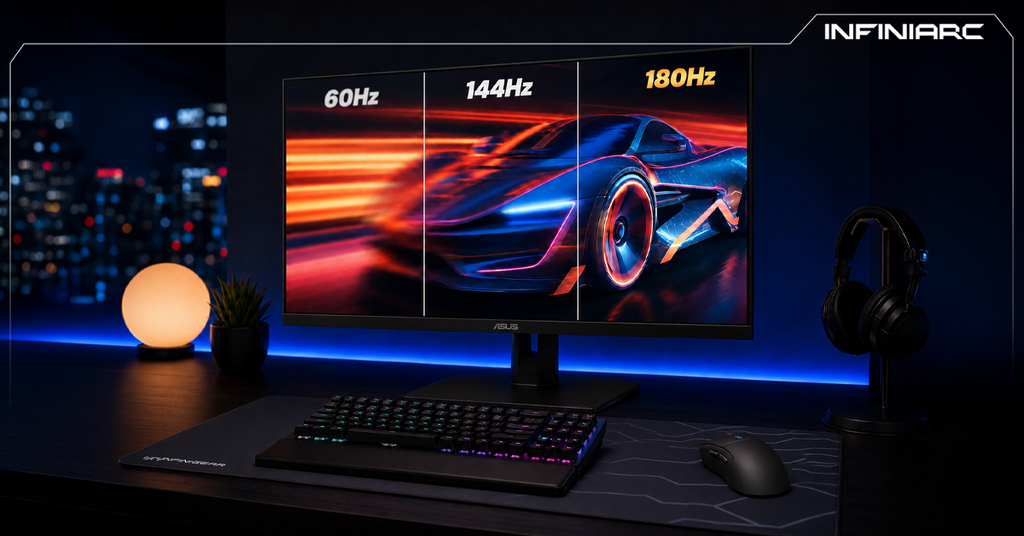
- 60Hz monitor with a high-FPS build defeats the purpose of the investment. Choose 144Hz or higher and always verify GPU dimensions fit your case
The Role of the Monitor in Improving Your Gaming Experience
- The monitor directly affects what you see and how quickly you respond to in-game events a great display delivers smooth motion, accurate colors, and faster reaction time
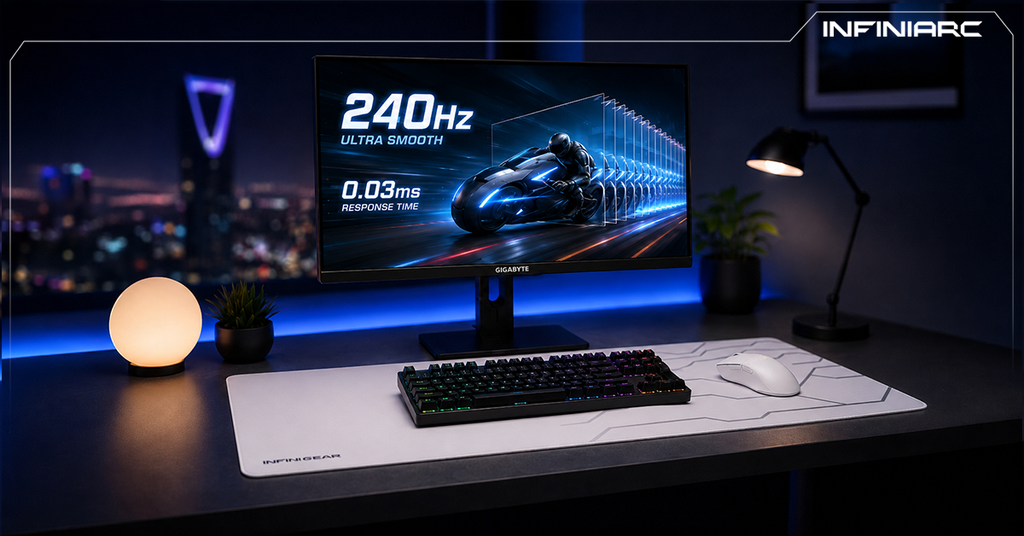
- Higher refresh rates (144Hz, 180Hz) make in-game motion smoother and more responsive, reducing stuttering in fast-paced scenes
- Low response times (1ms) minimize motion blur during fast movement giving you greater clarity in critical moments
- Higher resolutions (QHD or 4K) reveal finer detail and more lifelike colors, deepening immersion across all game types
When Should You Upgrade Instead of Buying a New Build?
- Low FPS in new titles if your build can't hit 60 FPS in 2025–2026 games like GTA VI at 1080p, upgrade the GPU first. This resolves 70% of performance issues without a full replacement
- Sustained high temperatures GPU or CPU temps consistently above 85°C reduce performance. If additional cooling doesn't help, a cooler or CPU upgrade may be needed but an outdated motherboard can block this path
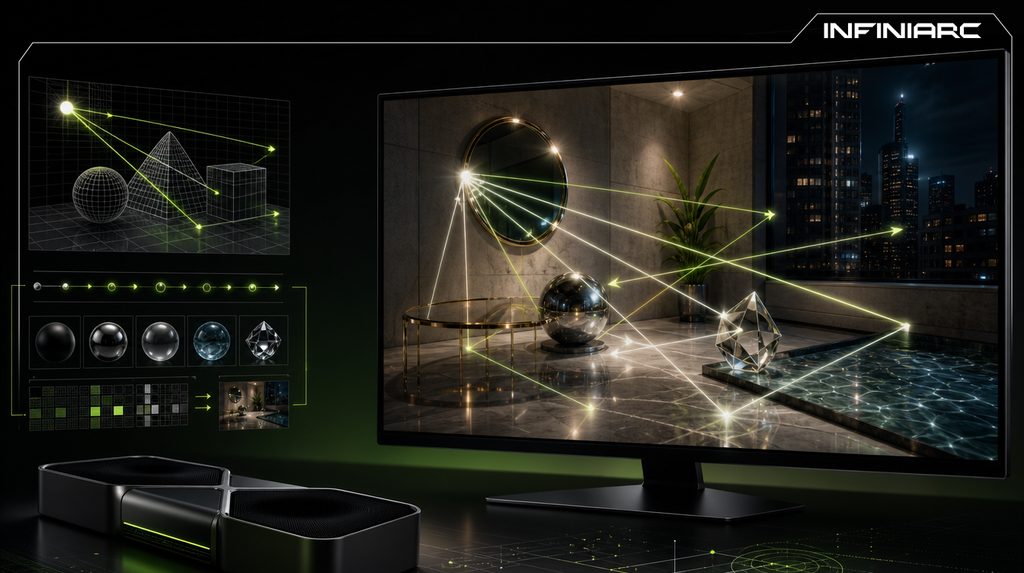
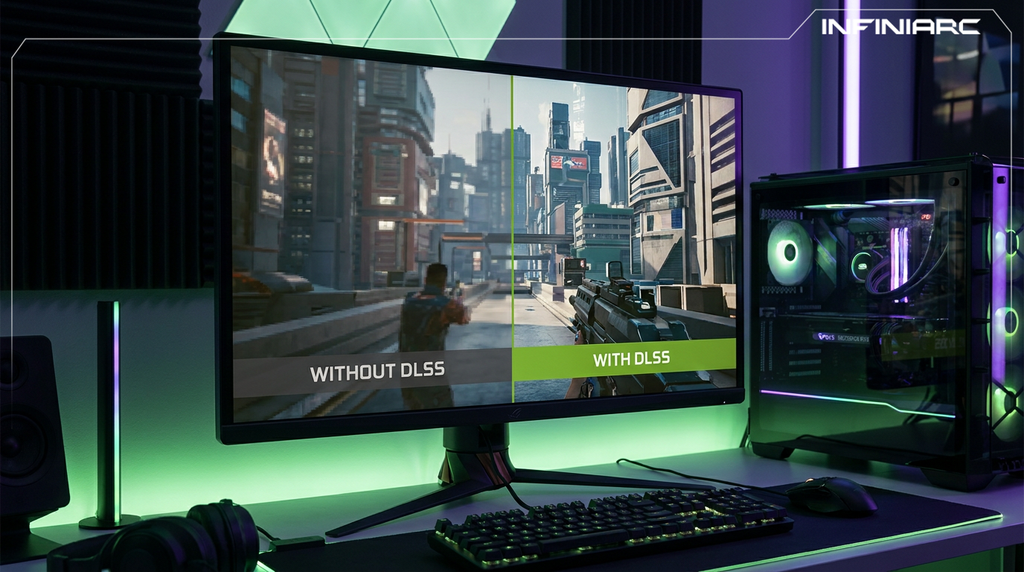
- No DLSS 3 or FSR 3 support older GPUs (pre-RTX 30-series) or boards without PCIe 4.0+ make upgrading more effective than a full replacement, if the board supports it
- RAM stuttering if you're experiencing stuttering with 8GB or DDR4 at 2400MHz, adding capacity or upgrading speed is a low-cost, high-impact fix compared to buying a new gaming PC
- Slow HDD add an NVMe SSD if your board has an M.2 slot. This is often sufficient without any major changes
- Bottleneck above 15% use a Bottleneck Calculator. If the CPU is the weak link and your socket is no longer supported, a full motherboard and CPU swap may be necessary
- Replacing 70%+ of components if you need a new motherboard, CPU, and PSU simultaneously, buying a new build saves more money and preserves your best existing parts
How INFINIARC® Helps You Choose the Perfect Build
- Pre-configured builds like the i5-14400F with RTX 5060 Ti and DDR5 are ready to go — ideal for 1440p gaming starting from 4,299 SAR, saving time on research and compatibility checks
- Customize your build step by step on the website choose CPU, GPU, RAM, and storage based on your budget and needs, with instant pricing and compatibility feedback to avoid mistakes
- The platform automatically verifies component compatibility (like LGA1700 socket with DDR5) and suggests balanced alternatives to prevent bottlenecking
- Prices are 30–50% lower than competing retailers for the same specifications with full component breakdowns and YouTube reviews confirming real-world value
- One-week turnaround on maintenance as confirmed by users, with branches in Saudi Arabia for assembly and support — making it a safe choice especially for first-time builders
- Videos on the website and YouTube showcase build performance in games like Cyberpunk at 2K, with future upgrade options including RAM expansion to 32GB
- Fast shipping within Saudi Arabia, positive community feedback on Reddit regarding quality and noise levels, with RGB options and excellent cooling for the ultimate gaming experience