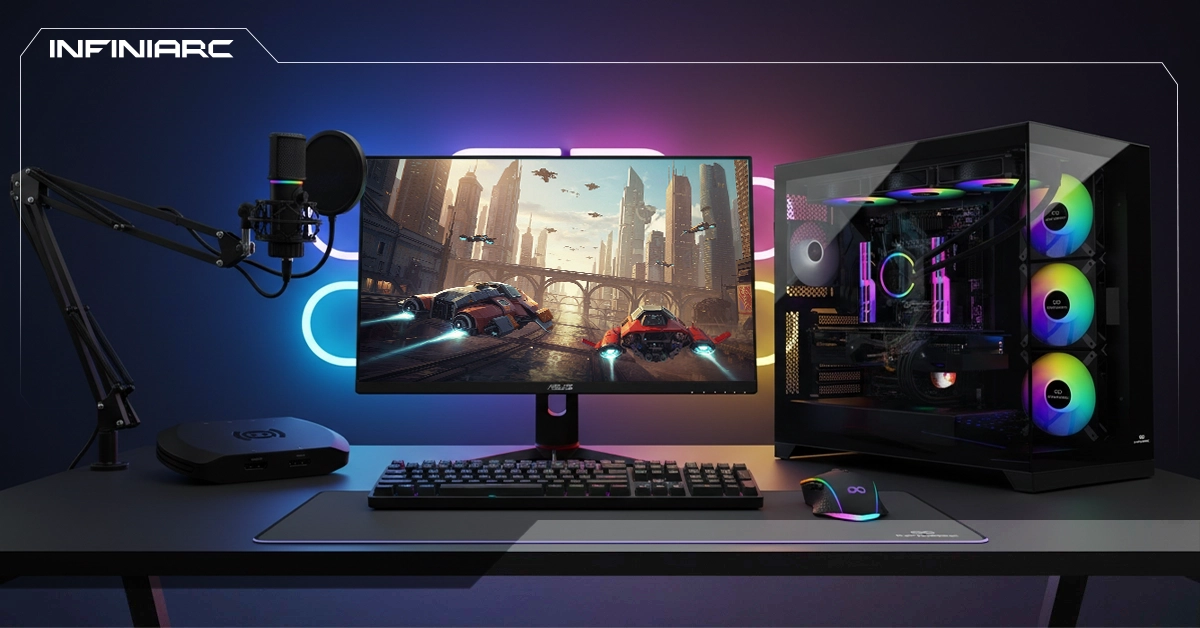
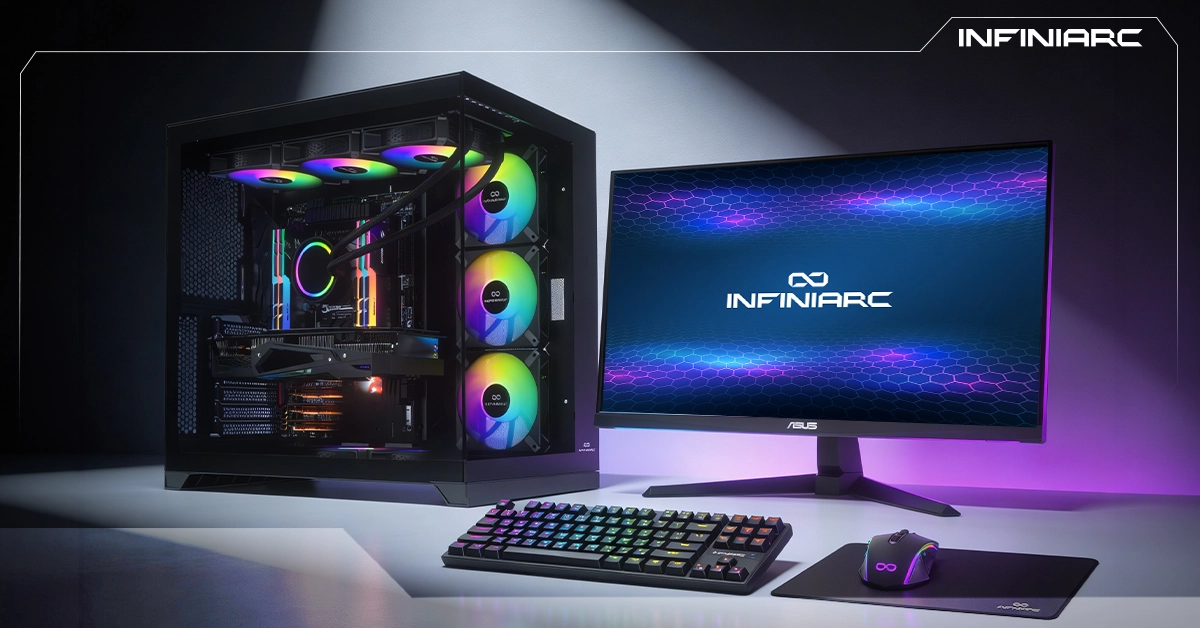
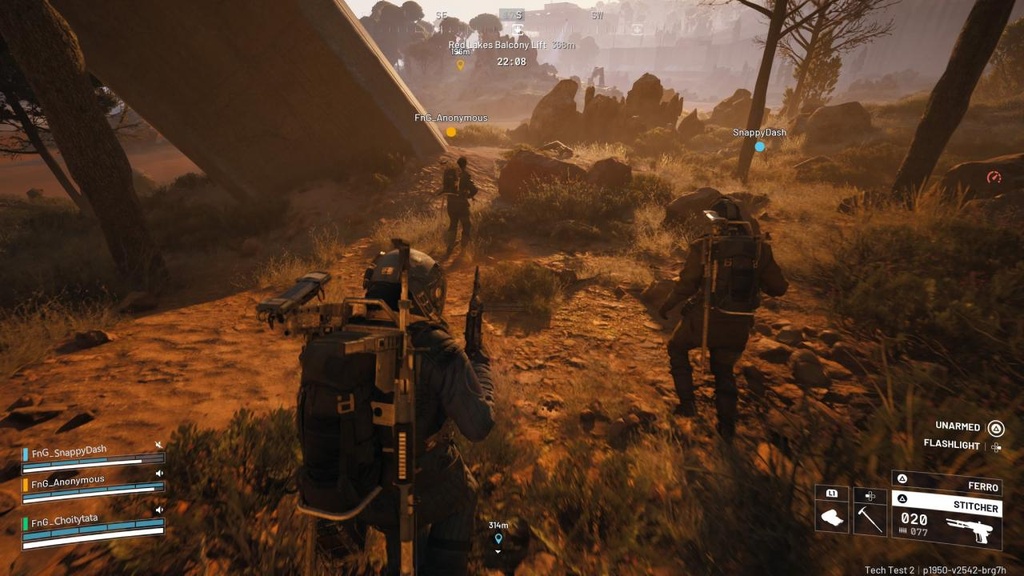
A gaming PC build for AAA titles represents the pinnacle of modern gaming performance combining powerful processors, advanced graphics cards, and ultra-fast memory for a smooth, uninterrupted gaming experience. Designed specifically to run graphically demanding games at 4K resolution, it delivers high frame rates with instant response times. With advanced cooling systems and fast storage, this build guarantees stable performance so you can enjoy every detail of the biggest titles without compromise.
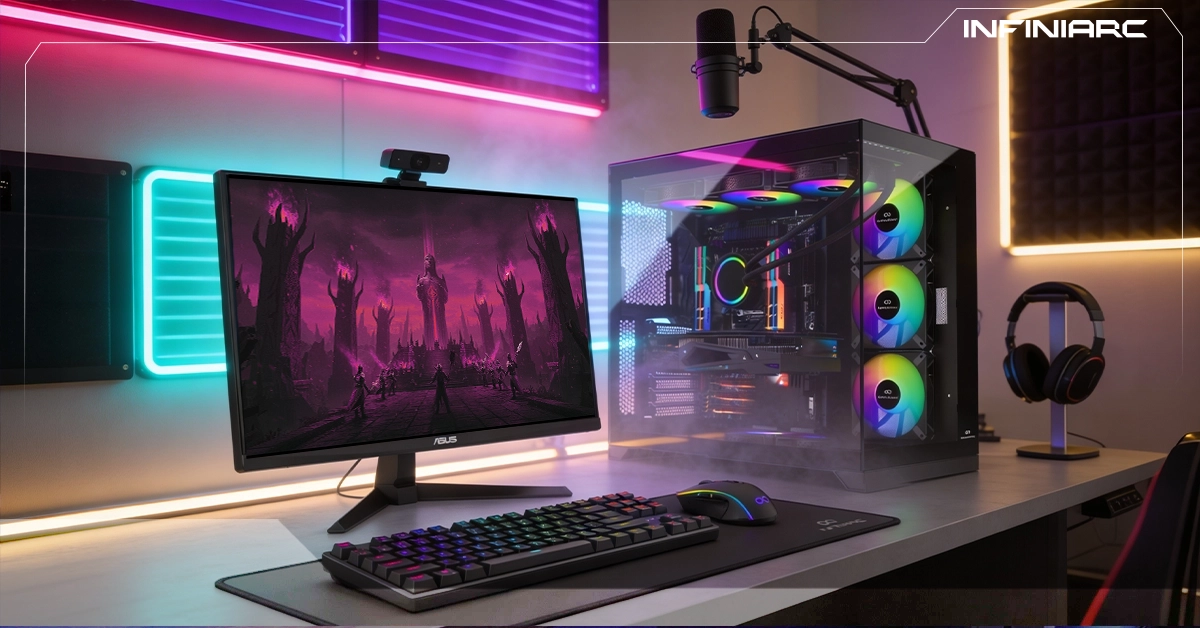
What Is an AAA Gaming PC Build and Why Does It Demand Powerful Specs?
An AAA gaming PC build is a system tailored for AAA titles large-scale, big-budget games with advanced graphics that require powerful hardware to run smoothly at high resolutions like 1440p or 4K. These games demand serious specifications for several reasons:
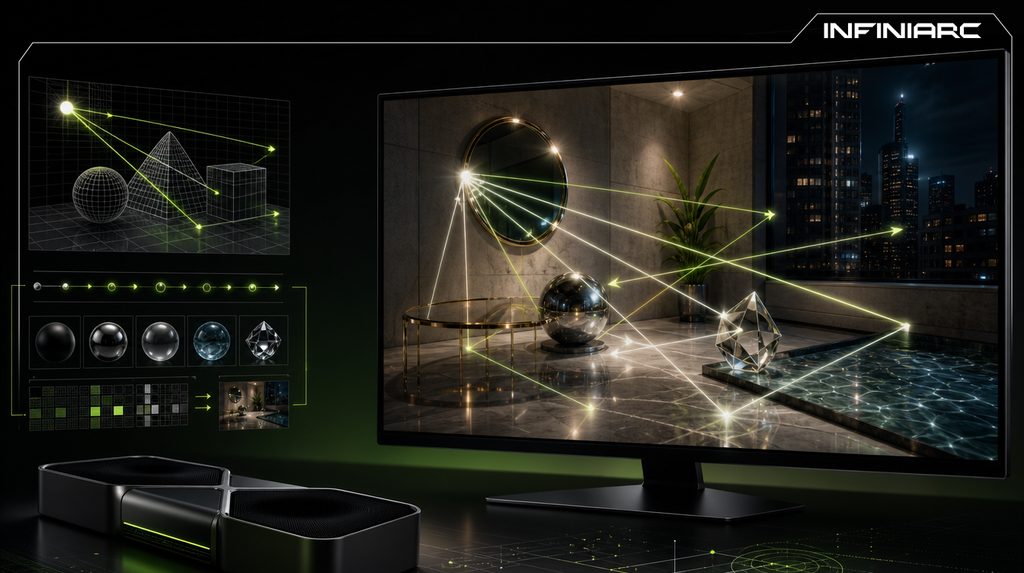
- AAA titles rely on photorealistic high-resolution graphics, detailed textures, advanced lighting effects like ray tracing, and complex AI and physics systems all of which push both the CPU and GPU to their limits
- These elements significantly increase memory consumption and computational demand to maintain smooth frame rates (60 FPS or higher) without stuttering
- Vast open environments and high-quality audio assets add additional load that weaker hardware simply cannot handle
Standard Gaming PC vs. AAA-Dedicated Build What's the Difference?
- CPU
A standard build uses mid-range processors like the Intel i5 or Ryzen 5 for casual gaming at 60 FPS. AAA gaming demands an i7 or Ryzen 7 to handle complex physics and AI without delay the difference becomes clear in long sessions where AAA builds maintain consistent stability.
- GPU
Standard builds rely on an RTX 3060 or RX 6600 for 1080p at medium settings. An AAA build requires an RTX 4070 or higher to support ray tracing and DLSS at high-quality 4K delivering 50–100% higher frame rates in demanding titles.
- RAM
16GB covers standard gaming and everyday tasks. AAA gaming requires 32GB DDR5 to load large open worlds without stuttering and the extra capacity also improves multitasking during live streaming.
- Storage
A 512GB SSD is acceptable for standard builds with reasonable load times. AAA gaming favors a 1–2TB NVMe drive to minimize waiting in large-scale titles NVMe speeds reduce load times by up to 30% in open-world areas.
- Cooling and Power
Basic air cooling is sufficient for a standard build during short sessions. AAA gaming demands liquid cooling and a 750W+ PSU to sustain performance under heavy load preventing thermal collapse during hours of gameplay.
Key Specs Required to Run AAA Games Smoothly
- GPU
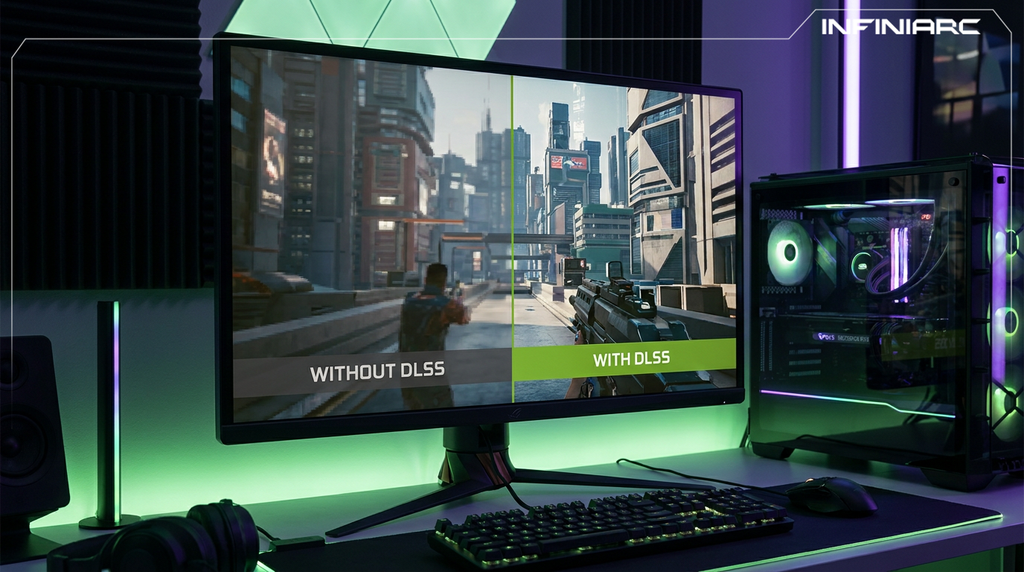
The most critical component. An RTX 4070 or RX 6700 XT is the minimum for 1440p. An RTX 4080 or higher is needed for 4K with ray tracing. Both support DLSS or FSR to boost frame rates without sacrificing visual quality.
- CPU
An Intel Core i5-13600K or AMD Ryzen 5 7600 is the minimum for 1440p gaming, with a Ryzen 7 recommended for higher performance. Must be multi-core (8+ cores) to handle physics and AI processing.
- RAM
32GB DDR5 minimum for loading large open worlds and multitasking. 16GB is the absolute floor for 1080p but it falls short of delivering smooth AAA performance.
- Storage
A 1TB NVMe SSD minimum for fast load times in large-scale titles. A 2TB configuration or RAID setup is preferred for larger game libraries.
- PSU
750W 80+ Gold minimum. 1000W for high-end GPUs to ensure stability and protect components under heavy load.
- OS and Cooling
Windows 11 64-bit is required. Liquid or powerful air cooling keeps temperatures low — and keeping drivers updated regularly can improve performance by up to 20%.
Best CPU for an AAA Gaming PC Build
The top CPU for an AAA gaming build in 2026 is the AMD Ryzen 7 9800X3D thanks to its 3D V-Cache technology that boosts gaming performance by up to 30% over the competition:
- 8 cores and 16 threads with high clock speeds ideal for heavy graphics and open-world environments without bottlenecking RTX 40-series GPUs
- 64MB extra L3 cache accelerates asset loading in titles like GTA VI or Cyberpunk at 1440p/4K with 100+ FPS
- Zen 5 architecture on a 4nm process balances efficiency and power at just 120W TDP easier to cool
- Outperforms the Intel Core Ultra 9 285K in gaming-specific benchmarks by 15–20%
Best GPU for Running AAA Games at Maximum Settings
The top GPU for AAA gaming at maximum settings in 2026 is the NVIDIA GeForce RTX 5090 with 32GB GDDR7 supporting DLSS 4 and full ray tracing for 100+ FPS at 4K or 8K without compromise:
- Blackwell architecture delivers massive graphical performance with advanced AI cores ideal for titles like GTA VI or Cyberpunk at Ultra settings with Ray Tracing enabled
- 32GB of high-speed memory handles high-resolution textures and massive open worlds without stuttering
- Advanced cooling in variants like the GIGABYTE GAMING OC maintains low temperatures under heavy sustained load
How Much RAM Do You Need to Run AAA Games Without Stuttering?
- 32GB is the minimum for completely smooth AAA gaming in 2026 especially with background apps like Discord or live streaming running simultaneously.
- Minimum vs. Ideal:
16GB DDR5 (2×8GB at 6000MHz+) is sufficient for 1080p/1440p at medium settings but the OS and browser consume a significant portion, causing reliance on the swap file and noticeable stuttering. 32GB (2×16GB) guarantees full stability at 1440p/4K with multitasking modern games alone use 12–20GB.
- Frequency and Type:
DDR5 outperforms DDR4 in AAA titles by 10–15% in frame rates due to higher memory bandwidth especially paired with Ryzen 9000 or Intel Core Ultra. Always use a dual-channel kit and avoid mixing sizes to prevent instability.
- When Do You Need More?
64GB is only necessary for heavy video editing or modding. For pure AAA gaming, 32GB covers the next 3–5 years without issues.
Why an SSD Is Essential in an AAA Gaming PC Build
- Reduces load times by 60–70% compared to an HDD preventing stuttering and waiting in large open worlds
- Without it, issues like texture pop-in and stuttering appear during fast movement especially in titles like GTA VI or Cyberpunk 2077
- NVMe SSDs load levels and assets in seconds with read speeds up to 7000MB/s HDDs take minutes, disrupting game flow
- Reduces stuttering by 50% in busy areas thanks to access times under 0.1ms keeping FPS stable
- Does not directly impact frame rates but frees the CPU to focus on physics and AI processing
- Most AAA titles in 2026 require DirectStorage (Windows 11), which depends on PCIe 4.0+ SSDs for near-instant loading
- A 1–2TB NVMe is ideal for large game libraries where individual titles can exceed 100GB
Best AAA Gaming PC Builds at 1080p Available at INFINIARC®
Gaming PC Bundle NVIDIA RTX 5050 + Intel + DDR5
Delivers a remarkable AAA gaming experience powered by an Intel Core Ultra 5 processor and PNY GeForce RTX 5050 GPU, paired with high-speed DDR5 memory and fast SSD storage. A sleek design with advanced cooling ensures smooth performance, stunning visuals, and a stable gaming experience for professional players zero stuttering.
Gaming PC Bundle NVIDIA RTX 3050 + Intel + DDR5
A complete build for gaming and multitasking — featuring an Intel Core Ultra 5 processor and ASUS Dual RTX 3050 OC GPU with fast DDR5 memory and NVMe storage. An eye-catching design with 6 ARGB fans and tempered glass panels, delivering stable performance and a smooth gaming experience for both beginners and enthusiasts.
How Much Does an AAA Gaming PC Cost in Saudi Arabia?
- GPU Power
An RTX 5090 raises the total cost by 40–50% compared to an RTX 5070 supporting 4K Ultra with full ray tracing while the latter tops out at high-quality 1440p.
- RAM Type and Speed
32GB DDR5 at 6000MHz+ adds 300–500 SAR over 16GB DDR4 driven by the demand for high memory bandwidth in large open-world environments.
- SSD Capacity and Speed
A 2TB PCIe 5.0 drive costs roughly double a 1TB PCIe 4.0 large-scale games require fast storage to avoid stuttering.
- Cooling and PSU Quality
A 360mm liquid cooler with a 1000W Gold PSU adds 400–700 SAR over a basic air-cooled setup essential for stability under heavy AAA load.
- Brand and Motherboard
Z890 or X870 boards with WiFi 7 and PCIe 5.0 cost 20–30% more than B650 equivalents especially from ASUS or MSI versus Gigabyte.
- Taxes and Local Services
15% VAT, assembly fees (100–300 SAR), and domestic shipping add 10–15% to the final bill.
How Your Gaming PC Build Affects FPS in AAA Games
- GPU Role
Determines 70–80% of FPS in AAA titles like Cyberpunk. An RTX 5090 hits 100+ FPS at 4K with Ray Tracing an RTX 3060 manages 40–50 FPS at 1080p, causing stuttering if mismatched with target resolution.
- CPU Impact
Processors like the Ryzen 7 9800X3D prevent CPU bottlenecking in physics and AI improving 1% low FPS by 20–30% and reducing stuttering in crowded areas.
- RAM and Frame Stability
32GB DDR5 reduces stuttering by 50% during texture loading. AAA games consume 12–20GB alone keeping average FPS stable even with background processes running.
- Storage and Fast Loading
NVMe SSD reduces texture pop-in and improves minimum FPS by 15% in DirectStorage-enabled titles HDDs cause sudden FPS drops during fast traversal in large open worlds.
- Cooling and Power
Effective cooling maintains boost clocks delivering 10–20% higher FPS in long sessions by preventing thermal throttling under heavy AAA load.
Mistakes to Avoid When Building an AAA Gaming PC
- Incompatible components pairing an AM5 CPU with an Intel motherboard prevents the system from booting entirely. Mixing DDR4 RAM with a DDR5-only board wastes money and time. Always verify compatibility first
- Less than 32GB RAM causes stuttering in AAA titles that consume 12–20GB per game alongside background apps. 32GB guarantees smooth performance at 1440p/4K
- GPU and CPU mismatch an RTX 5090 paired with an old i3 creates a CPU bottleneck that cuts FPS by 30–50% in physics and AI workloads. A Ryzen 7 9800X3D is the minimum recommended pairing
- Underpowered PSU anything below 750W risks system crashes under AAA load. A 1000W Gold unit ensures stability and protects components from damage
- HDD instead of NVMe SSD extends load times to several minutes and causes texture pop-in, ruining the open-world experience. A 1TB NVMe is non-negotiable for DirectStorage support
- Basic air cooling causes thermal throttling in long sessions, reducing FPS by up to 20%. A 360mm AIO liquid cooler ensures full stability
- Overspending on the motherboard X870 boards with extreme VRM specs are unnecessary for pure gaming. A B650 board delivers the same gaming performance and saves 500 SAR