IPS, VA, OLED, Mini LED: every gaming monitor spec sheet uses these terms. They describe the panel technology, which decides your contrast, black levels, colour accuracy, viewing angles, motion clarity and HDR brightness. Here's how each one plays, so you can buy the right screen the first time.
In This Article
- 01 Key Takeaways
- 02 LCD vs OLED: The Core Difference
- 03 IPS: The All-Rounder
- 04 VA: Deep Blacks for Less
- 05 OLED: Perfect Blacks, Instant Motion
- 06 Mini LED: The Bright Alternative
- 07 Quick Comparison
- 08 Which One Should You Buy?
- 09 Top Picks by Panel Type
- 10 FAQs
- 11 The Verdict
Key Takeaways
✓IPS: the all-rounder. Accurate colour, wide viewing angles, fast response.
✓VA: the deepest blacks of any LCD, but slower in dark scenes.
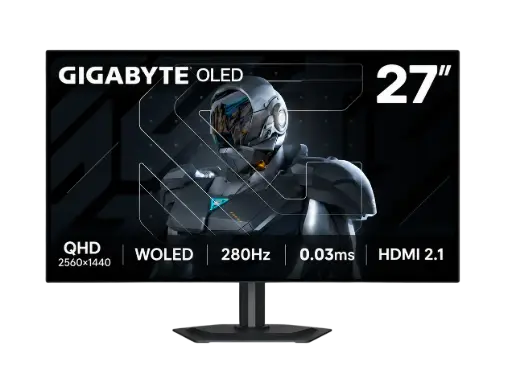
✓OLED: true blacks and ~0.03ms response, at a premium price.
✓Mini LED: a brighter LCD backlight for HDR, with almost no burn-in risk.
LCD vs OLED: The Core Difference
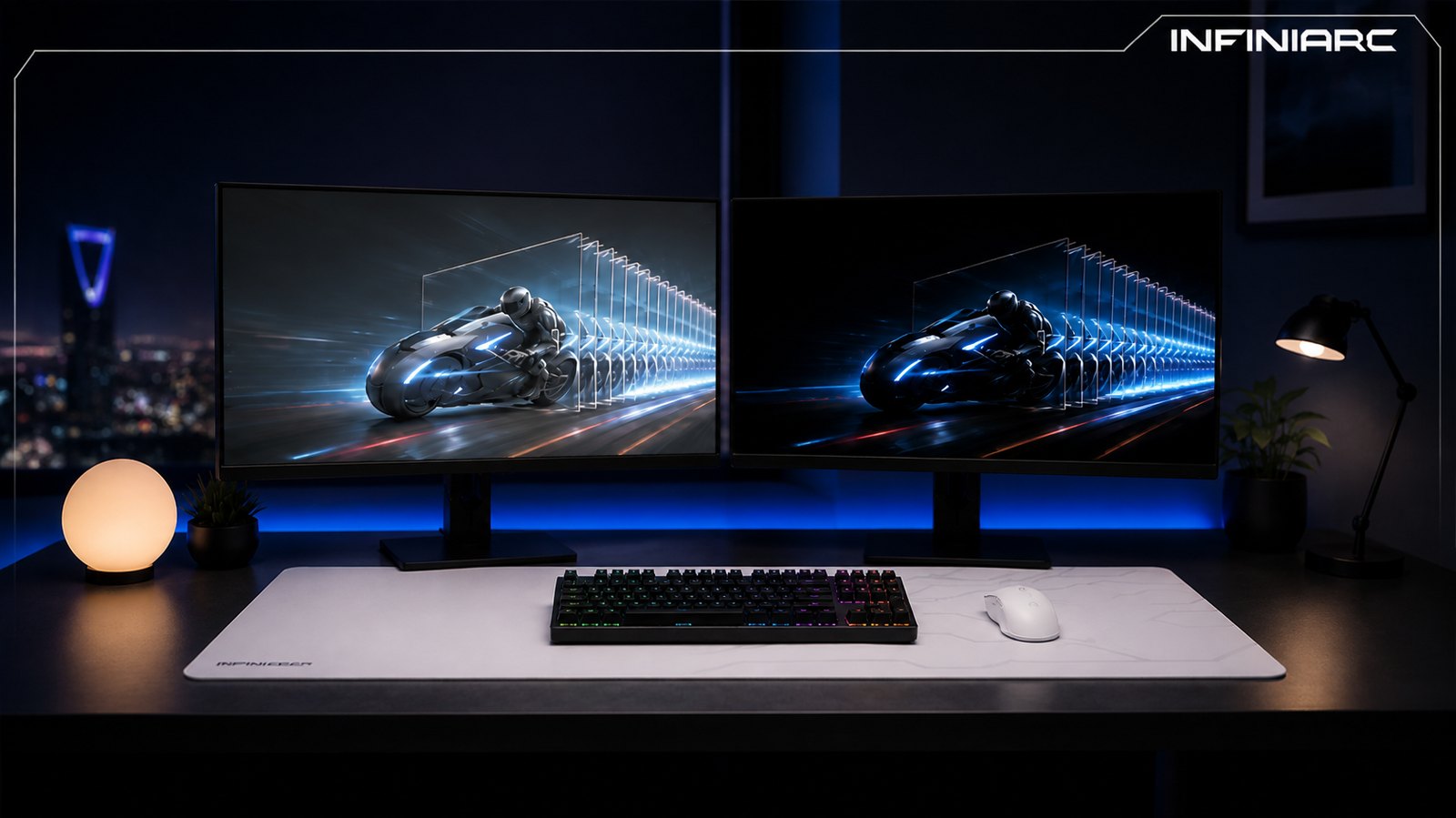
IPS and VA are LCD panels: a backlight shines through liquid crystals, so some light always leaks through, even on black. OLED has no backlight. Each pixel makes its own light and can switch off completely, so blacks look like the screen is off.
IPS: The All-Rounder
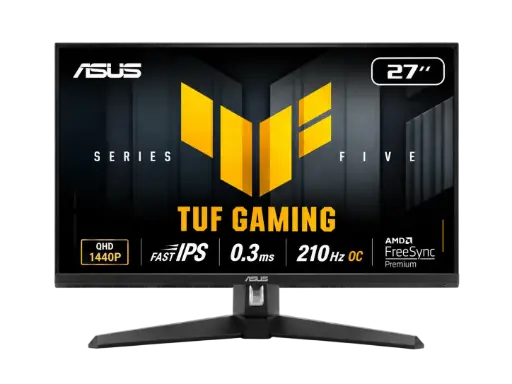
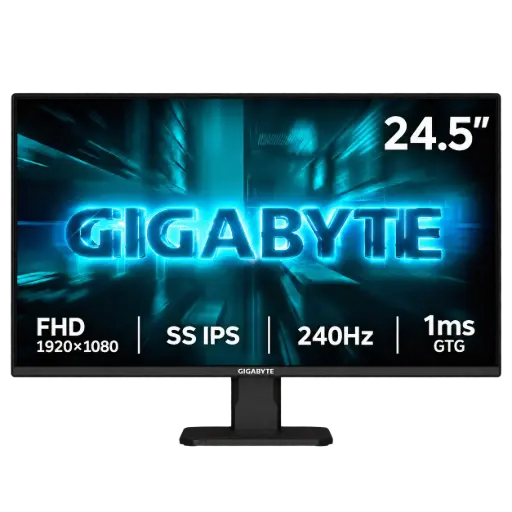
IPS (In-Plane Switching) keeps colour consistent from almost any angle (up to 178°), which suits gaming, streaming and editing on one screen.
- Pros: colour accuracy (look for high DCI-P3 coverage), wide viewing angles, fast response on Fast IPS, models from 1080p to 4K.
- Cons: ~1,000:1 contrast, so blacks look grey in the dark, plus "IPS glow" in the corners.
- Best for: competitive games and mixed work and play.
VA: Deep Blacks for Less
VA (Vertical Alignment) blocks the backlight far better than IPS, with ~3,000:1 contrast and up to 4,000:1+ on the best models. Many curved monitors use VA.
- Pros: the highest contrast of any LCD, less backlight bleed.
- Cons: "black smearing" behind fast objects in dark scenes, and colour shift at an angle.
- Best for: story games and movies in a dim room on a budget.
OLED: Perfect Blacks, Instant Motion
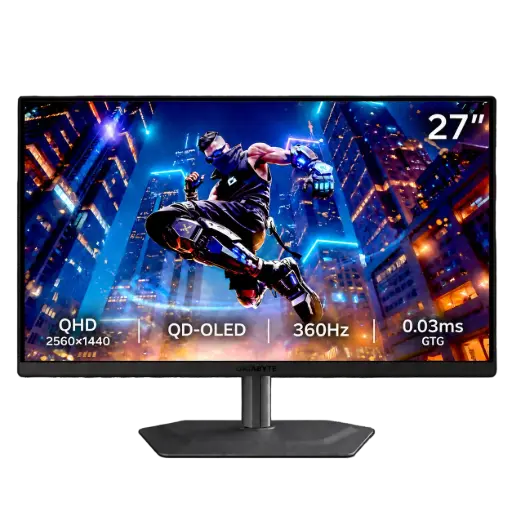
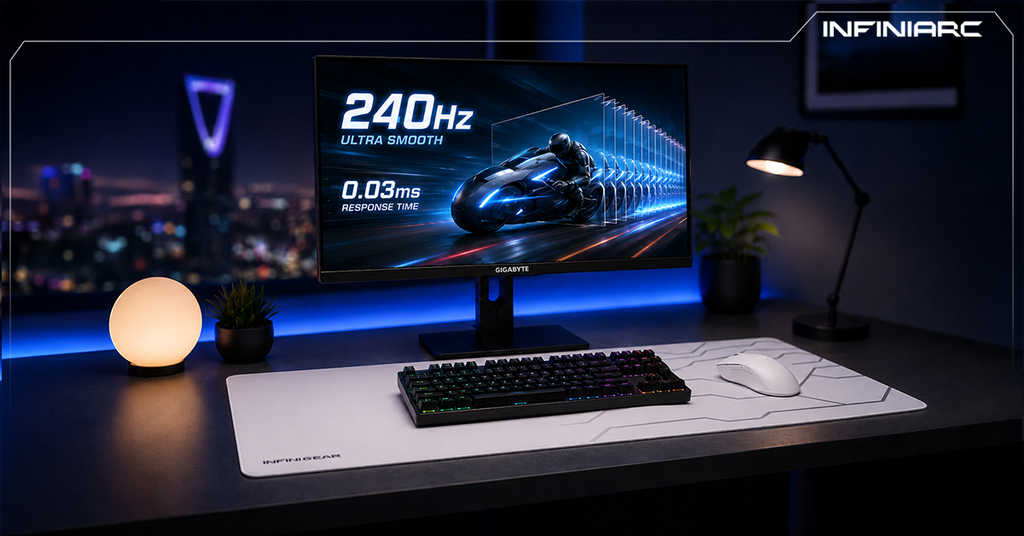
Self-lit pixels give OLED effectively infinite contrast and a response time of around 0.03ms (GtG), with no ghosting or overshoot. Add 240Hz–360Hz+ refresh rates and HDR highlights against true black, and you get the best gaming picture available.
QD-OLED, W-OLED or Tandem OLED?
- QD-OLED: quantum dots for very vivid, saturated colour.
- W-OLED: white subpixels with colour filters plus an extra white subpixel for brightness.
- Tandem OLED: two stacked emissive layers for higher brightness and durability.
OLED Trade-offs
- Burn-in: static HUDs and taskbars can leave a mark over time. Pixel shift and pixel refresh reduce the risk.
- Brightness: dims when most of the screen is white (ABL).
- Finish: glossy gives inkier blacks but reflects light; matte cuts glare.
- Price: the highest of the three.
Day-one tip: set Windows to auto-hide the taskbar and use a dark wallpaper. It takes a minute and is the easiest burn-in protection you can get.
Mini LED: The Bright Alternative
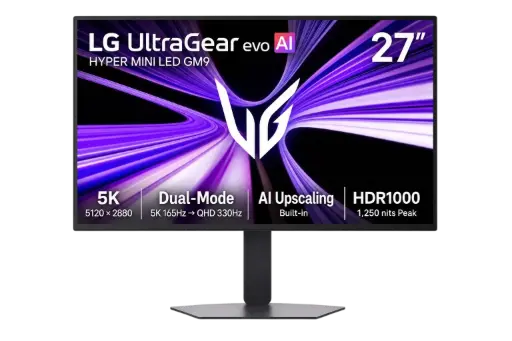
Mini LED upgrades the LCD backlight with thousands of tiny LEDs in local dimming zones. You get very bright HDR and far better contrast than standard IPS or VA, with almost no burn-in risk. The catch is "blooming", a halo around bright objects on dark backgrounds.
Quick Comparison
| IPS | VA | OLED |
|---|
| Contrast | ~1,000:1 | ~3,000–4,000:1+ | Infinite |
|---|
| Blacks | Greyish | Deep | True black |
|---|
| Response | ~1ms | Slower in dark | ~0.03ms |
|---|
| Viewing angles | Wide | Narrower | Wide |
|---|
| Burn-in | No | No | Possible |
|---|
| Price | Budget–High | Budget | Premium |
|---|
| Best for | Esports | Movies | HDR, AAA |
|---|
Which One Should You Buy?
- Competitive FPS: Fast IPS at 240Hz+, or a 360Hz OLED.
- AAA and HDR: OLED, or Mini LED for bright rooms. Pair it with a strong GPU, as in our AAA gaming PC guide.
- Dark-room movies: OLED, or VA on a budget.
- Work plus gaming: IPS or Mini LED for long static use.
- Photo and video editing: IPS for colour consistency, OLED for HDR.
Check your room first: if your desk faces a window, a matte OLED or a Mini LED will handle the glare better than a glossy OLED.
Not sure which gamer you are? Read esports vs AAA gaming.
Top Picks by Panel Type
Swipe to see more →
See all gaming monitors.
FAQs
Is OLED worth it for gaming?
+
OLED is worth it if picture quality and motion clarity come first. On a tight budget, Fast IPS gives most of the speed for less.
Will my OLED burn in?
+
Only with the same static image for hours. Use dark mode, auto-hide the taskbar and let pixel refresh run.
IPS or VA for gaming?
+
IPS for speed and colour, VA for contrast. Most gamers are better off with IPS.
Is VA good for competitive FPS?
+
It can smear in fast, dark scenes. Fast IPS or OLED is the safer pick.
Is IPS glow a defect?
+
It's a corner glow that shifts with your viewing angle. Fixed bright patches are backlight bleed.
QD-OLED or W-OLED?
+
Both have true blacks and ~0.03ms response. QD-OLED leans to more vivid colour.
Mini LED or OLED?
+
Mini LED for bright rooms and static work, OLED for perfect blacks and the fastest motion.
Which panel is fastest?
+
OLED (~0.03ms), then Fast IPS (~1ms), then VA.
The Verdict
Pick IPS for balance, VA for budget contrast, OLED for the best picture and Mini LED for bright HDR. Compare models in our gaming monitors range.