


HDMI vs DisplayPort
Jul 22, 2026
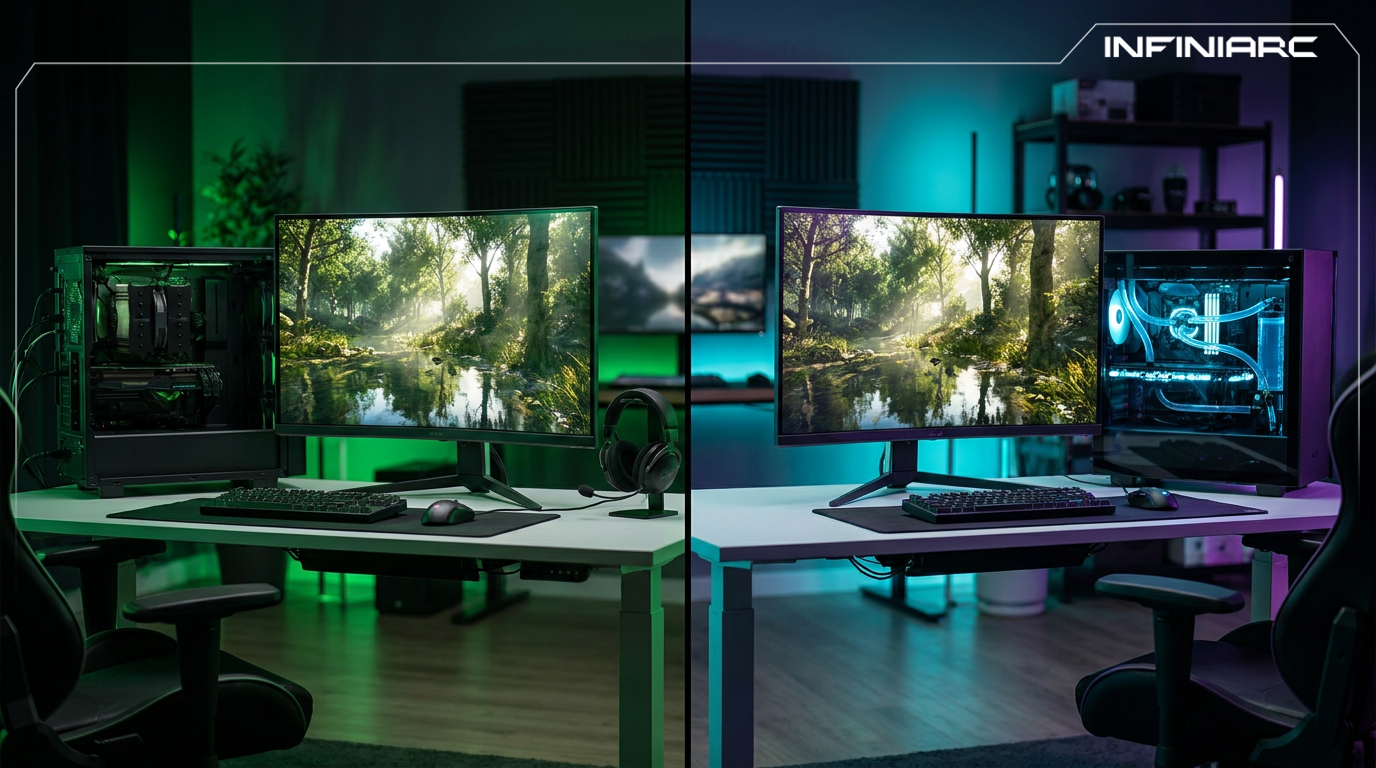
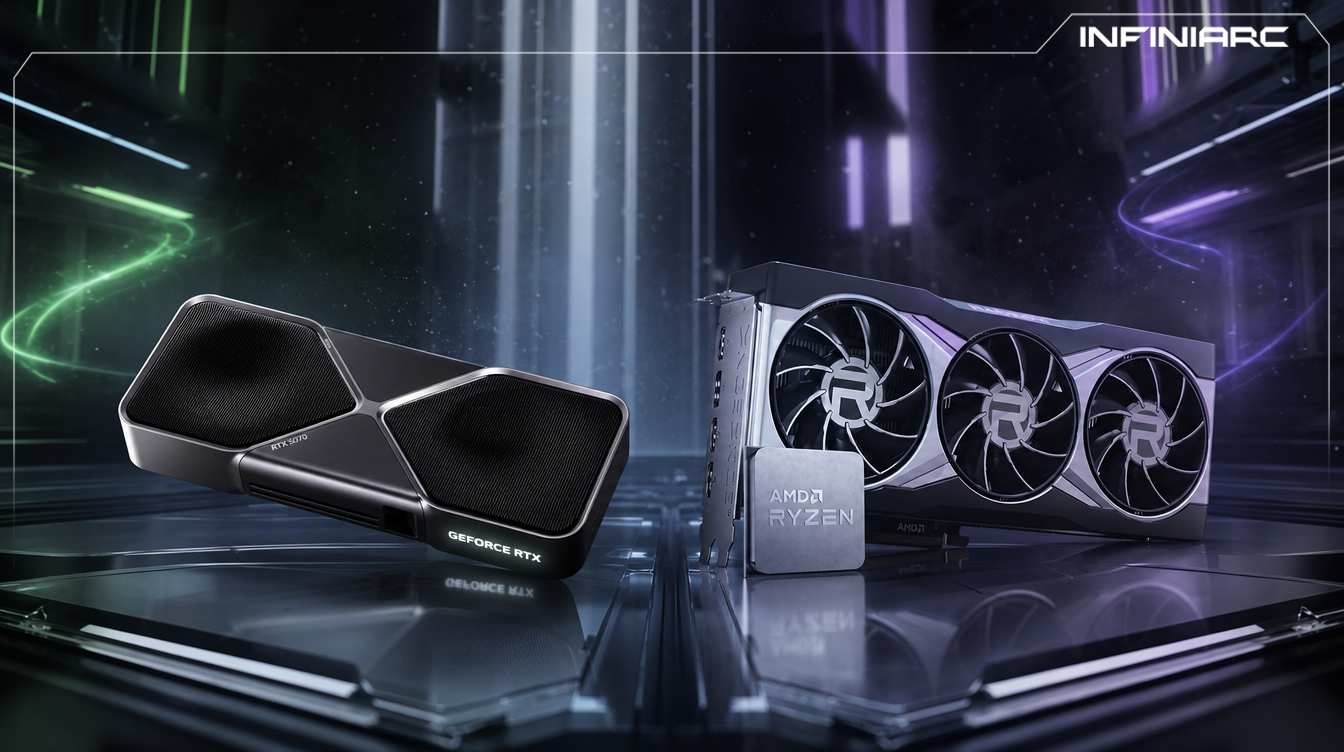
The graphics card is the single most important decision in any gaming build, taking the largest share of the budget and directly determining the resolution and frame rate you will actually get in games. The competition between NVIDIA and AMD today is no longer a simple comparison of raw performance figures but a contest between two different philosophies of how performance should be built. NVIDIA bets on artificial intelligence and ray tracing as its foundation, while AMD focuses on strong traditional rendering and generous memory capacity at a lower price. Understanding that difference is what separates buying a card that genuinely fits your use case from paying for features you will never touch.
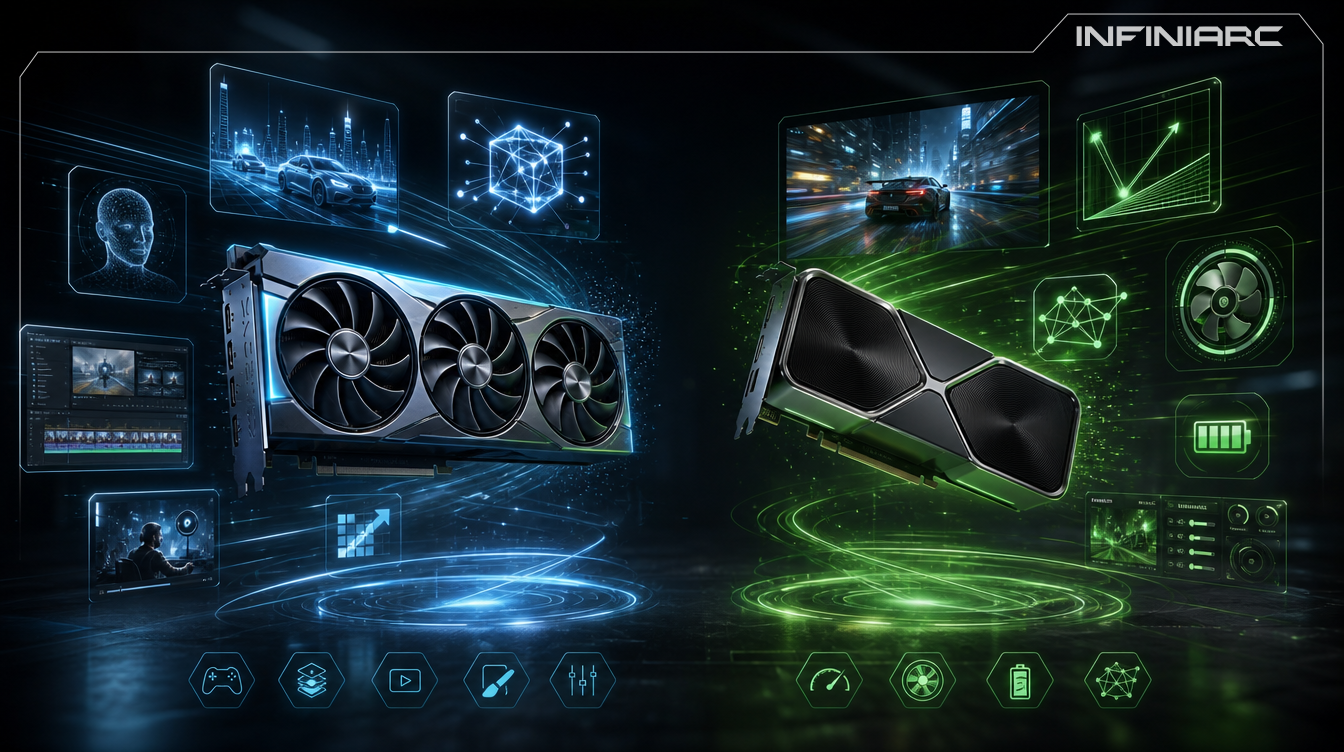
The core distinction comes down to the architecture each company uses and the priorities it was built around. Here are the key points:
NVIDIA's RTX 50 series is built on the Blackwell architecture, and the defining theme of this generation is AI acceleration. Modern NVIDIA GPUs now come loaded with several different types of specialised hardware, as alongside the traditional shader cores used for graphics NVIDIA has added Tensor cores designed for AI workloads and dedicated ray tracing cores for simulating realistic lighting.
The Radeon RX 9000 series is based on the RDNA 4 architecture, focused on improving efficiency, strengthening ray tracing performance and delivering solid gaming performance without pushing prices into the stratosphere. RDNA 4 represents a 40% improvement in gaming performance per compute unit versus RDNA 3, a generational jump that is real and visible in benchmarks.
AMD continues to emphasise traditional rasterised rendering, which is still the method used by the majority of games today, and that focus allows Radeon cards to perform very competitively against more expensive GeForce GPUs in many gaming scenarios. NVIDIA instead builds its advantage on an advanced software layer that compensates through AI for what hardware alone does not deliver.
Market share affects the practical experience more than most buyers realise. In Q4 2025, Jon Peddie Research confirmed NVIDIA holds 94% of the discrete GPU market while AMD sits at 5%, and that gap shapes day one game optimisation, driver investment priority and the depth of the AI upscaling ecosystem.
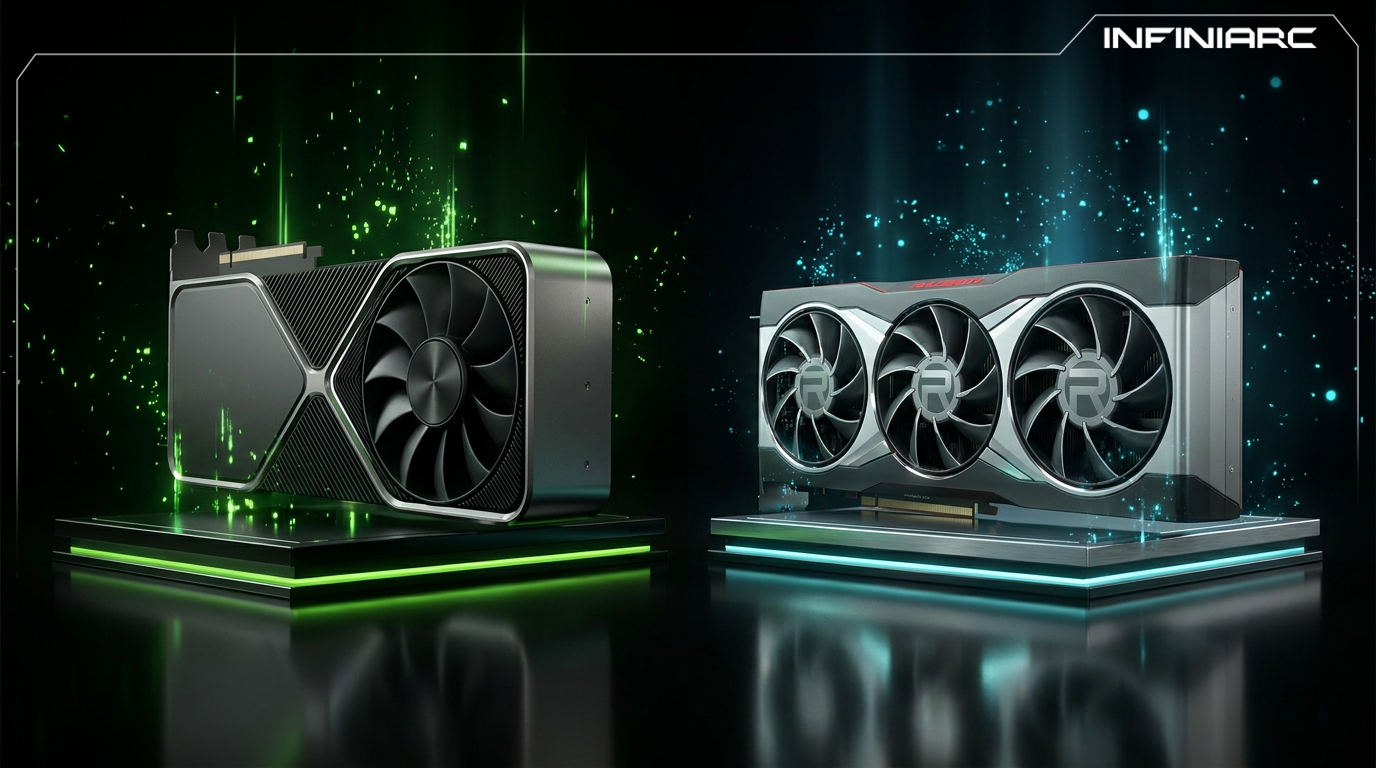
Specification | NVIDIA GeForce RTX | AMD Radeon RX |
Current architecture | Blackwell | RDNA 4 |
Current lineup | RTX 50 Series | RX 9000 Series |
Upscaling technology | DLSS 4 and DLSS 4.5 | FSR Redstone |
Ray tracing performance | Strongest | Much improved but slightly behind |
VRAM per price tier | Relatively lower | Higher across most tiers |
Frame generation | Up to 6X | ML Frame Generation |
Rasterisation | Excellent | Highly competitive at the same price |
Software suite | NVIDIA App | Adrenalin Edition |
Best suited to | Ray tracing, AI and content creation | Best value for money in gaming |
The answer depends on the type of performance you need, since each company has a clear area of strength. Here is the breakdown:
In raster heavy titles like Starfield, Call of Duty: Modern Warfare III and Assassin's Creed Mirage, Radeon cards often match or even beat similarly priced GeForce GPUs when ray tracing and AI frame generation are set aside. The RX 9070 XT matches or beats the RTX 5070 Ti in rasterisation benchmarks at a lower official price.
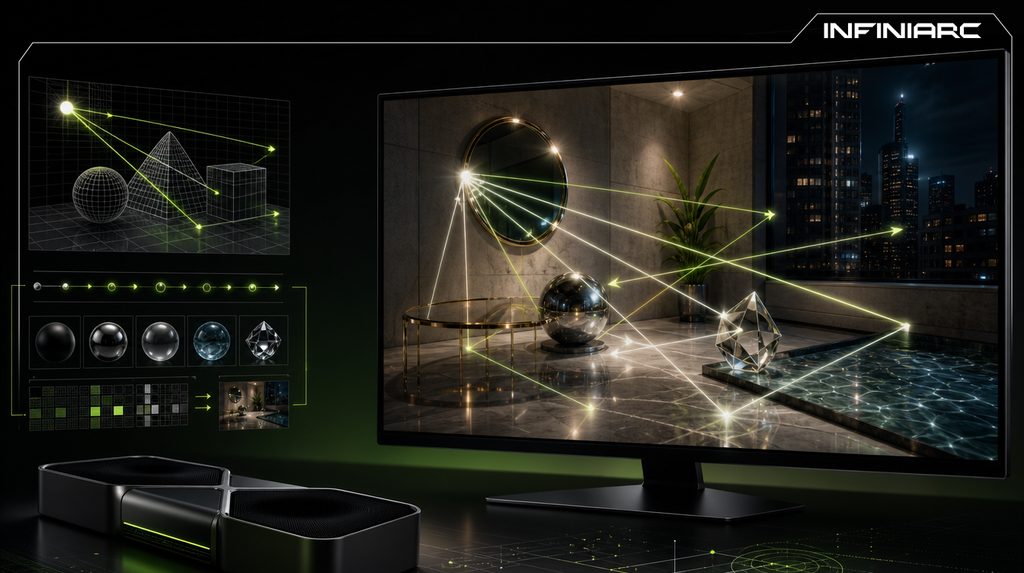
AMD has made significant progress with ray tracing in RDNA 4, narrowing the gap compared with earlier Radeon GPUs, with second generation RT cores delivering over twice the ray tracing throughput versus RDNA 3. NVIDIA still tends to deliver stronger performance in the most demanding ray traced workloads, maintaining a 20 to 30% lead in RT heavy benchmarks.
NVIDIA leads clearly in games built around Path Tracing, thanks to the combination of advanced ray tracing cores and AI technologies. The RTX 5090 delivers exceptional 4K and even 8K performance, making it the go to option for enthusiasts and creators who demand the absolute best.
If you play competitive titles built on traditional rendering, AMD gives you excellent performance for less money. If your priority is modern games at maximum lighting settings, NVIDIA offers a real difference that justifies the higher price.
AI upscaling has become the most important competitive battleground, since it determines actual frame rate more than the hardware itself. Here is the comparison:
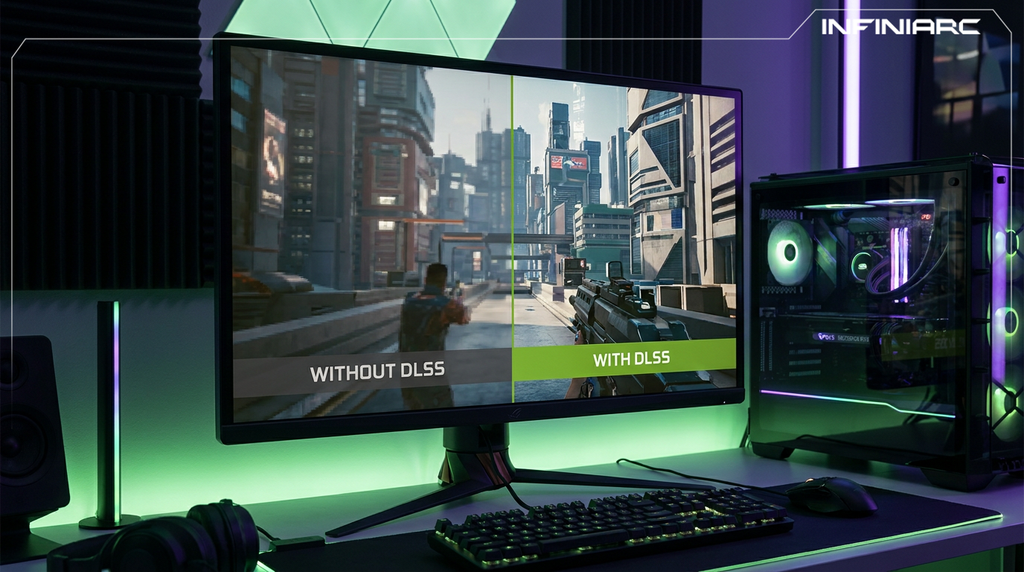
Built on a dedicated neural network running on Tensor cores to generate frames and upscale resolution with impressive image quality. With version 4.5 it reached a second generation transformer model using five times the compute power of the original, supported across more than 400 games and apps, with a frame generation mode reaching up to 6X.
FSR advanced substantially with the Redstone release launched in December 2025, a consolidated machine learning powered suite bundling upscaling, frame generation, Ray Regeneration and Radiance Caching. It has closed the gap with DLSS meaningfully, producing sharper results with less ghosting than earlier versions.
In side by side comparisons at 4K, DLSS still edges out FSR for fine detail preservation, particularly in motion, and DLSS support appears in a greater number of major PC titles. FSR's advantage is that it works across a wider range of hardware, including in some NVIDIA sponsored titles.
It is worth knowing that the newest features on both sides are gated to recent generations. FSR's machine learning powered features require RDNA 4 based RX 9000 series GPUs, with FSR 3 remaining available as a fallback for older hardware, and likewise DLSS multi frame generation is restricted to specific RTX generations.
Memory capacity is one of the clearest differences between the two companies and one of the most consequential for a card's usable lifespan:
Radeon cards offer more VRAM at comparable prices across most tiers. The RX 9070 XT ships with 16GB of GDDR6 on a 256 bit bus, and that 4GB advantage over the RTX 5070 gives it a meaningful longevity edge in 4K texture heavy workloads.
The RTX 50 series uses newer GDDR7 memory offering higher bandwidth, which partially offsets the capacity gap. The equation is not capacity alone but data transfer speed as well.
If you game at 4K or use high quality texture mods, greater capacity buys you a longer safety margin. If ray tracing and AI features are your priority, higher bandwidth and dedicated acceleration cores matter more than the capacity number by itself.
INFINIARC stocks a wide selection covering both options to suit different workloads and budgets:
The flagship tier for enthusiasts chasing maximum performance, suited to players targeting 4K with full ray tracing and multi frame generation, paired with powerful processors and advanced liquid cooling for stable output through long sessions.
A balanced option combining very strong performance with a lower price than the flagship tier, supporting the complete NVIDIA feature set across ray tracing and AI, and well suited to players targeting 1440p and 4K at high settings alongside streaming and content creation.
A range of cards from both brands for anyone upgrading an existing build rather than buying a complete system, alongside a compatibility check service confirming the card suits your motherboard, power supply and case dimensions before purchase.
The right choice depends on how you actually use your machine far more than on any abstract comparison of figures. Here are the clearest cases:
Choose AMD Radeon. You are looking for the highest frame rate per riyal in games that do not rely on ray tracing in the first place, and RX 9000 cards deliver value here that the other side does not match at the same price.
Choose NVIDIA. Its lead in ray tracing and Path Tracing, combined with the more mature DLSS ecosystem, delivers a better experience in demanding modern titles built around advanced lighting.
Choose NVIDIA. Professional editing and rendering applications such as the Adobe suite and 3D software receive better support and higher performance on RTX cards, alongside a stronger integrated video encoder for stream quality.
Choose NVIDIA. The CUDA ecosystem and Tensor cores make it effectively the only practical option for running AI models locally on your machine.
Choose AMD, particularly in the mid range. Greater memory capacity and strong rasterisation performance give you a real gain without paying a premium for features you may never use.
Several recurring mistakes cost buyers either performance or money with no benefit:
A model number does not reflect actual performance in the specific games you play. The gap between two cards changes completely between a raster based title and a Path Traced one, and independent benchmarks in your own favourite games are the only real reference.
Pairing a flagship card with a weak processor or insufficient memory creates a bottleneck that prevents you from using the card at all, leaving you with performance far below what you paid for.
High end cards need a sufficiently rated power supply and a case with good airflow. Ignoring this leads to thermal throttling or instability under sustained load.
Paying a large premium for advanced ray tracing performance while playing exclusively competitive titles at low settings is a direct waste of budget. The reverse applies equally to anyone who buys on price alone and then finds they cannot run the games they love at the quality they wanted.
Follow these key guidelines to make sure the card you choose fits both your needs and your budget:
Define your target resolution before anything else, since 1080p requirements differ fundamentally from 1440p and 4K, and this alone narrows your options considerably.
Review independent benchmarks for the games you actually play rather than relying on general averages that may not reflect your experience.
Check memory capacity carefully if you target 4K or use high quality texture mods, because insufficient VRAM causes stuttering that raw performance cannot fix.
Confirm your power supply rating and case dimensions before buying, as many high end cards demand more space and power than buyers expect.
Balance card strength against processor strength to avoid a bottleneck, since a balanced build outperforms one strong component surrounded by weak ones.
Consider your expected ownership period, because if you plan to keep the card four years or longer, greater capacity and newer features become a sensible investment.
Buy from trusted retailers like INFINIARC for genuine cards backed by proper warranty, with a compatibility check before purchase to avoid any surprises after delivery.