


Gaming Monitor Response Time Explained: What 1ms, 2ms, and 5ms Really Mean
Jul 26, 2026
Refresh rate is one of the specs that most affects how smooth an image feels, whether you're gaming or just doing everyday tasks. And with 144Hz monitors now priced close to 60Hz models in the 2026 market, the key question for every user is: is the difference between 60Hz and 144Hz actually worth the upgrade? In this guide, we'll explain what refresh rate is, the real-world difference between the two, how it relates to your graphics card, and modern sync technologies, to help you make the right decision.
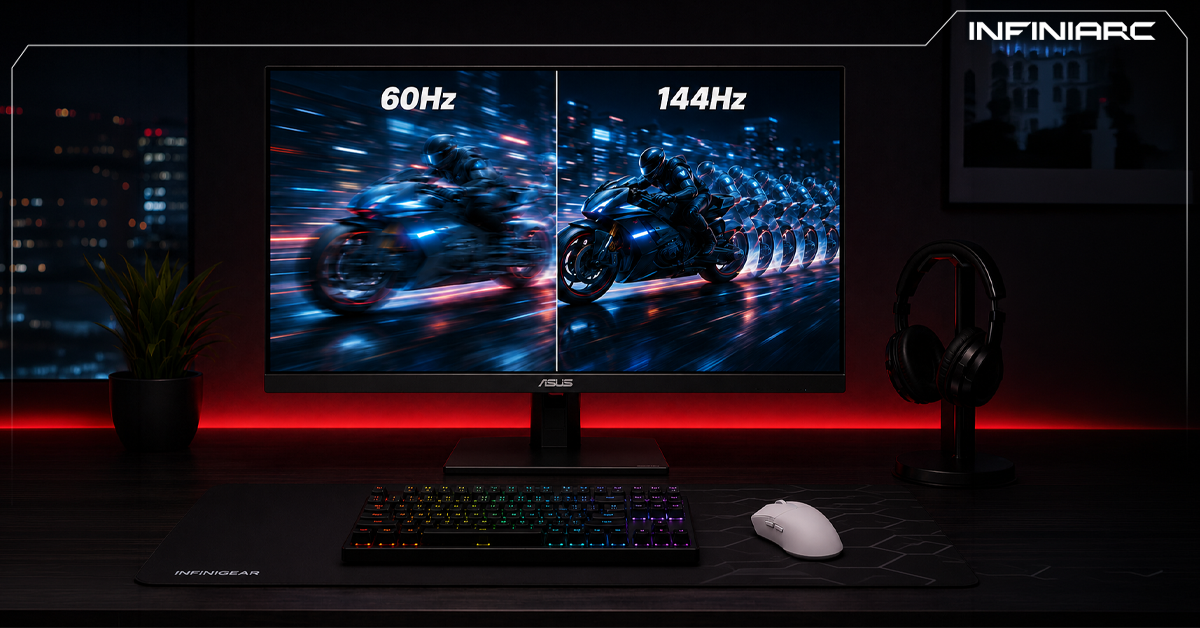
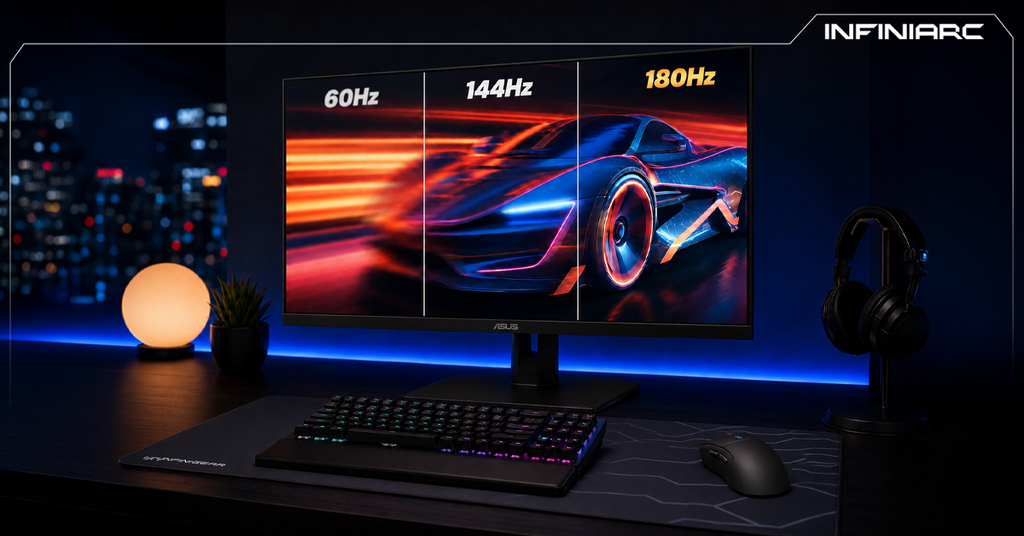
Refresh rate is the number of times a monitor redraws the displayed image in one second, measured in hertz (Hz). Simply put, a 60Hz monitor redraws the image 60 times per second, while a 144Hz monitor redraws it 144 times per second. The more times the screen refreshes, the smoother and more fluid motion appears, and the less stutter you perceive.
In terms of timing, a 60Hz monitor needs about 16.7 milliseconds to display each new frame, while a 144Hz monitor needs only around 6.9 milliseconds. This timing gap is what makes mouse movement, scrolling, and fast-moving objects look much smoother on the higher-refresh display.
One of the most common points of confusion is mixing up refresh rate (Hz) with frame rate (FPS), which are two different things that work together:
The important rule here: the monitor can only display what your GPU can produce. If your system pushes 160 FPS but your monitor is only 60Hz, you'll see just 60 frames. The reverse is also true: a 144Hz monitor paired with a GPU that only produces 40 FPS won't deliver the promised smooth experience. So to fully benefit from a 144Hz monitor, you need a graphics card capable of consistently producing 144 or more frames per second.
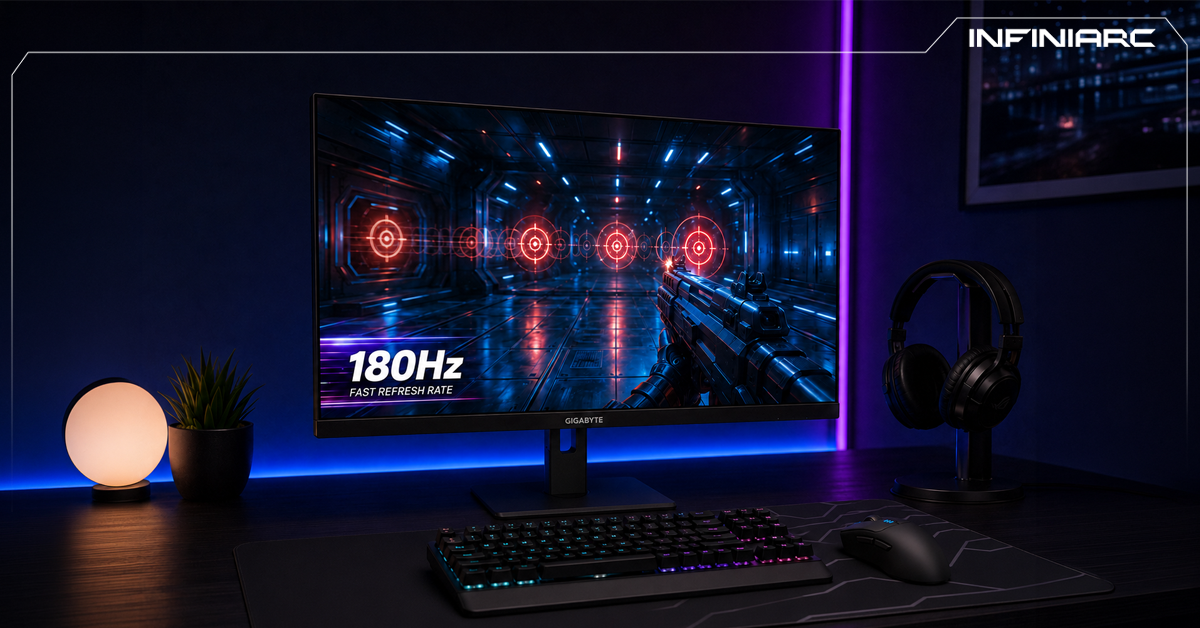
On paper it's just numbers, but in reality the difference is tangible and clear. Moving from 60Hz to 144Hz is one of the most immediately noticeable upgrades, specifically in:
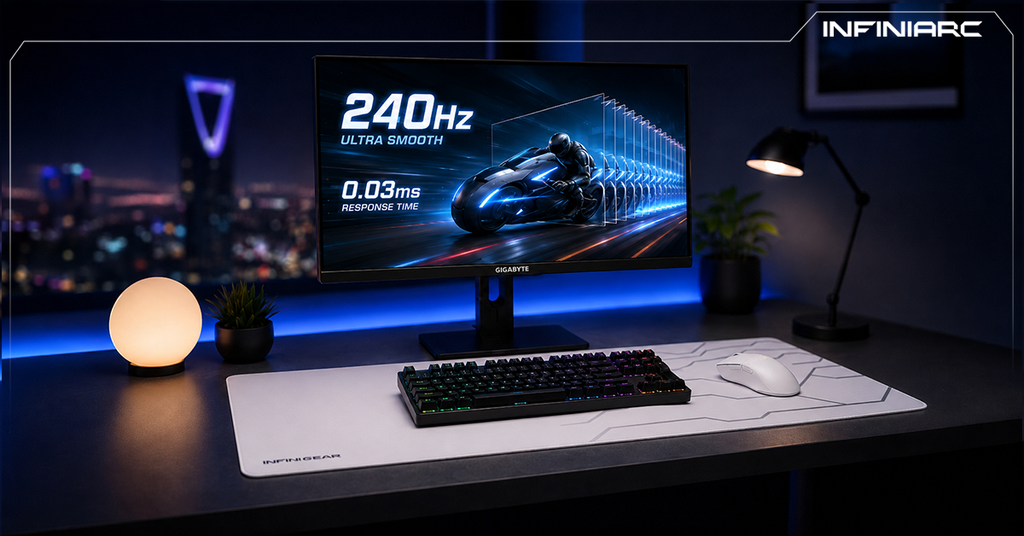
Interestingly, research has shown that the jump from 60Hz to 120Hz is far more noticeable than the jump from 120Hz to 240Hz. In other words, the first upgrade is transformative and clearly felt, while subsequent upgrades are smaller, incremental improvements. This is why 144Hz is the sweet spot for most gamers in 2026.
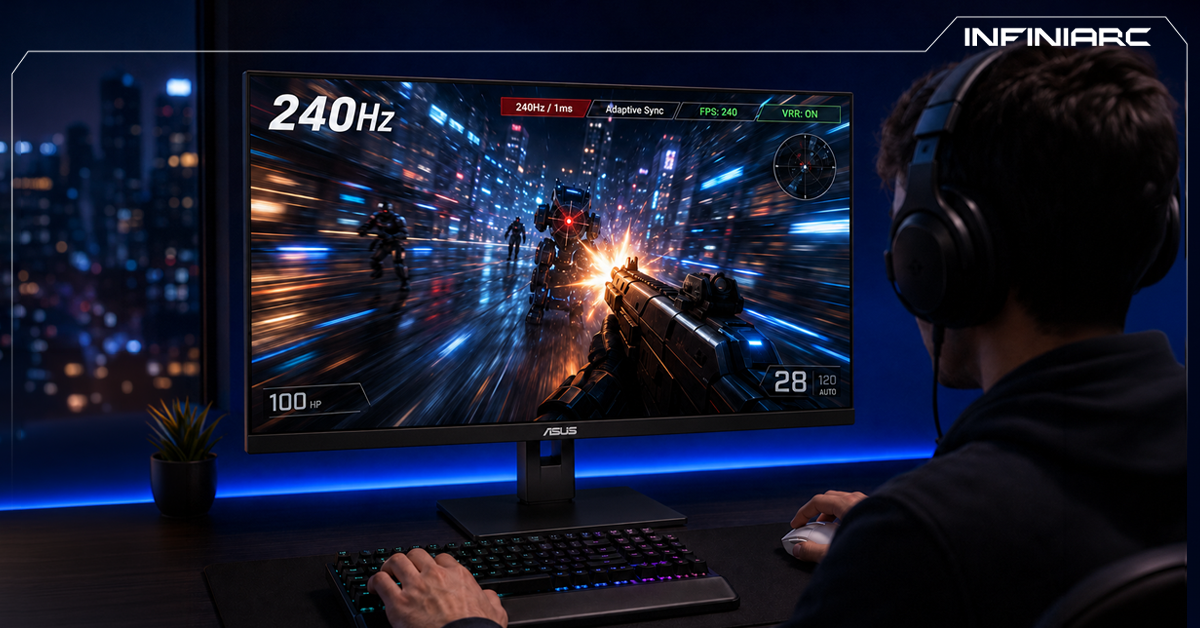
The answer depends on your use case:
The good news is that 144Hz monitors at 1080p and 1440p are now available at prices very close to 60Hz displays in 2026, making them one of the best value-for-money upgrades. In fact, most manufacturers have begun phasing out 60Hz gaming panels.
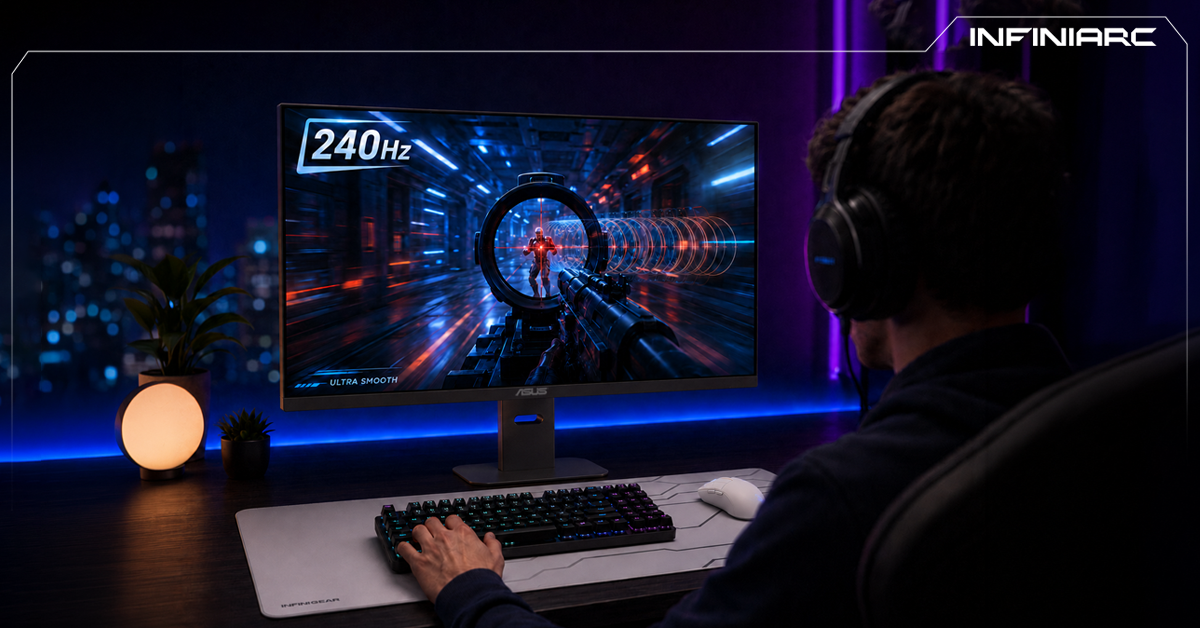
When the frame rate your GPU produces doesn't match the monitor's refresh rate, a problem called screen tearing appears, where parts of two different frames display at once, creating a horizontal split in the image. The solution is Variable Refresh Rate (VRR) technology, which makes the monitor refresh dynamically to match the GPU's output.
There are two main implementations:
It's worth knowing that the myth of "enabling G-Sync or FreeSync increases lag" is no longer accurate in 2026; modern monitors are so fast that the human brain can't perceive the difference, and eliminating stutter actually makes the experience feel more responsive. These technologies matter most when the frame rate drops below the monitor's maximum refresh rate.
Is the difference between 60Hz and 144Hz actually noticeable?
Yes, clearly. The jump from 60Hz to 144Hz is one of the most immediately felt upgrades in motion smoothness and clarity.
Do I need a powerful GPU to run 144Hz?
Yes, you need a card capable of consistently producing 144 or more frames per second to fully benefit from the monitor.
Do PS5 and Xbox support 144Hz?
These consoles support up to 120Hz in select games, which delivers a smoother experience than 60Hz even though it doesn't reach the full 144Hz.
What's the difference between refresh rate and frame rate?
Refresh rate is a monitor property (how many frames it displays), while frame rate is a system property (how many frames it produces). You'll only see whichever is lower.
Refresh rate isn't just a marketing number, it's a real factor that determines how smooth and clear what you see on screen is. The difference between 60Hz and 144Hz is clearly tangible, especially in fast-paced games, and 144Hz is the sweet spot for most users in 2026 given its competitive pricing. But remember that the monitor alone isn't enough; you need a graphics card capable of feeding it frames, and a sync technology like G-Sync or FreeSync to eliminate tearing. The golden rule: balance refresh rate, resolution, and your system's power rather than focusing on a single number.