


Gaming Monitor Refresh Rate Explained: 60Hz vs 144Hz
Jul 27, 2026
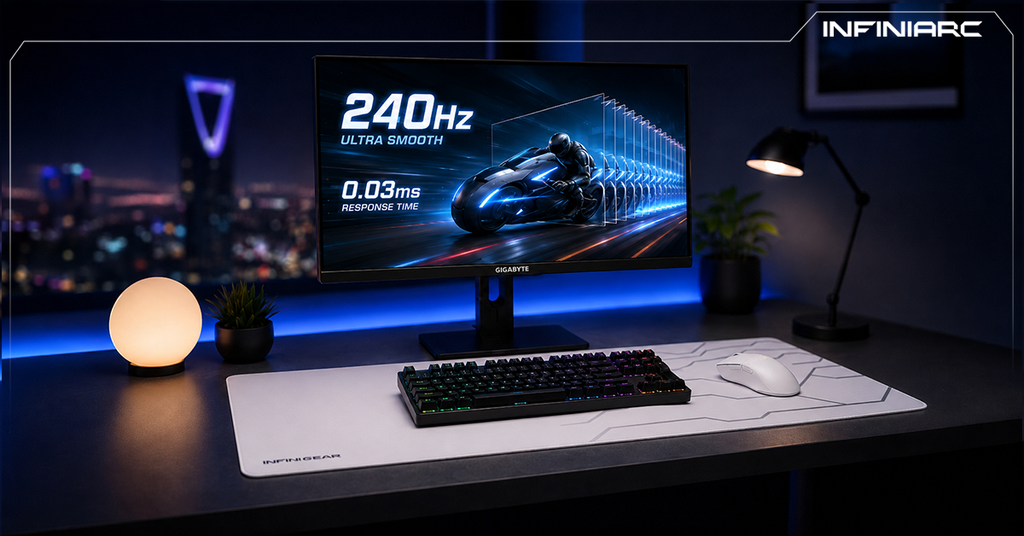
Response time is one of the most important specifications that determines the quality of your gaming experience, yet it remains one of the most misunderstood specs among gamers. Many users assume the "1ms" number printed on the box means instant response, but the reality is more complex. In this guide, we'll explain exactly what response time is, how it affects motion clarity in games, and how it differs from input lag, with a practical guide to choosing the right number for you in 2026.
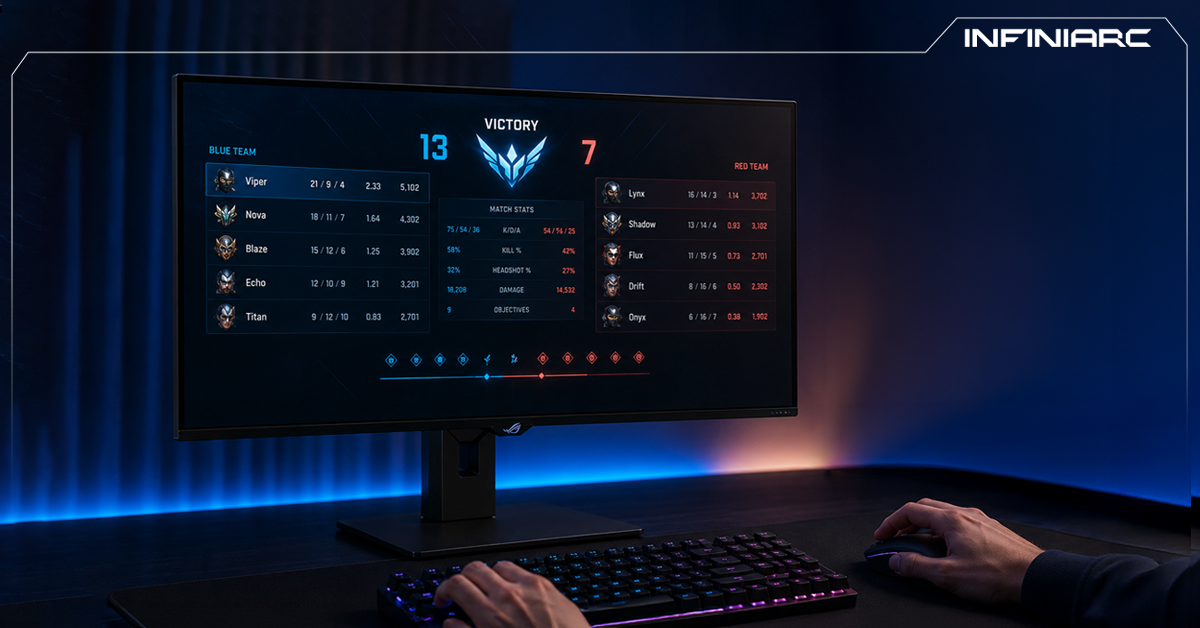
Response time is how long it takes a single pixel on the screen to change from one shade to another, measured in milliseconds (ms). The shorter this time, the faster the monitor can keep up with moving on-screen objects, and the clearer the image looks during fast motion.
When pixels can't change their colors quickly enough to keep pace with rapid in-game action, problems appear such as motion blur and ghosting, faint trails left behind moving objects that degrade the image. This is why gamers, especially in esports, seek the lowest possible response time.
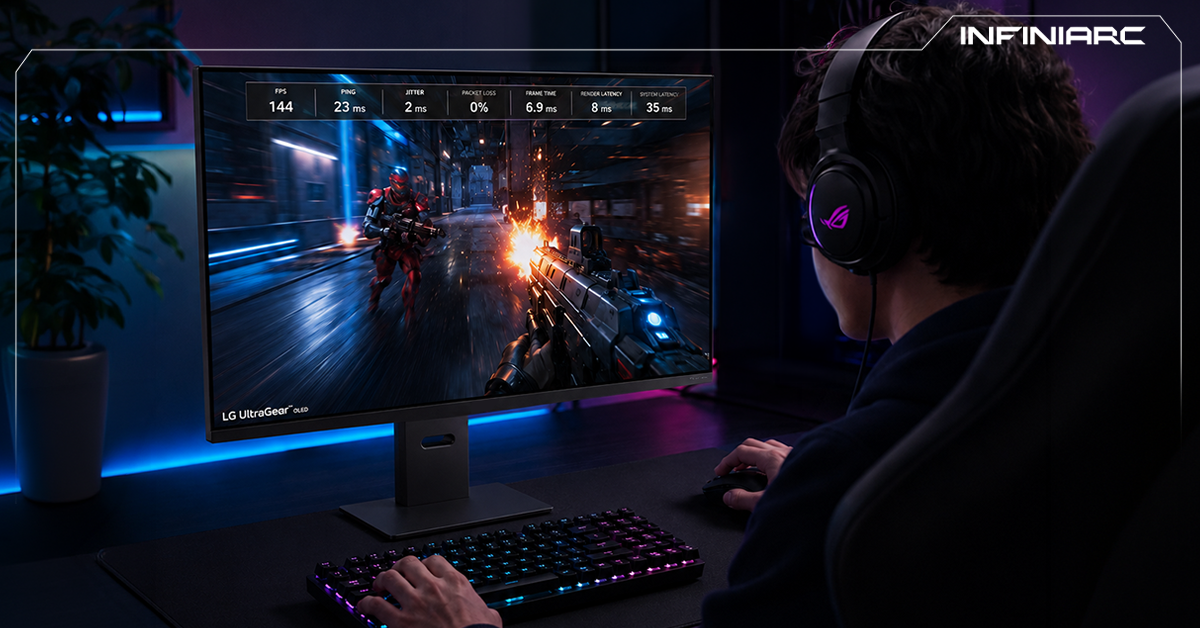
One of the most common mistakes is confusing response time with input lag, even though they are two completely different things:
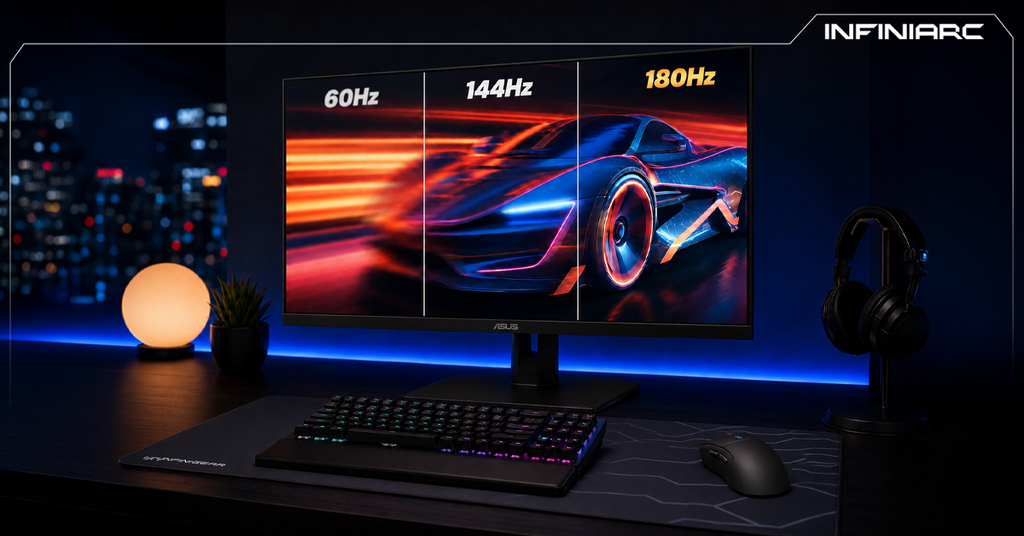
In short, response time is about image clarity, while input lag is about interaction speed. A monitor can have a 1ms GtG rating and still feel laggy if its internal processing is slow. It's also important to know that refresh rate affects input lag: the higher the refresh rate, the lower the input lag, because the picture updates more frequently, so you can see and react to results sooner.
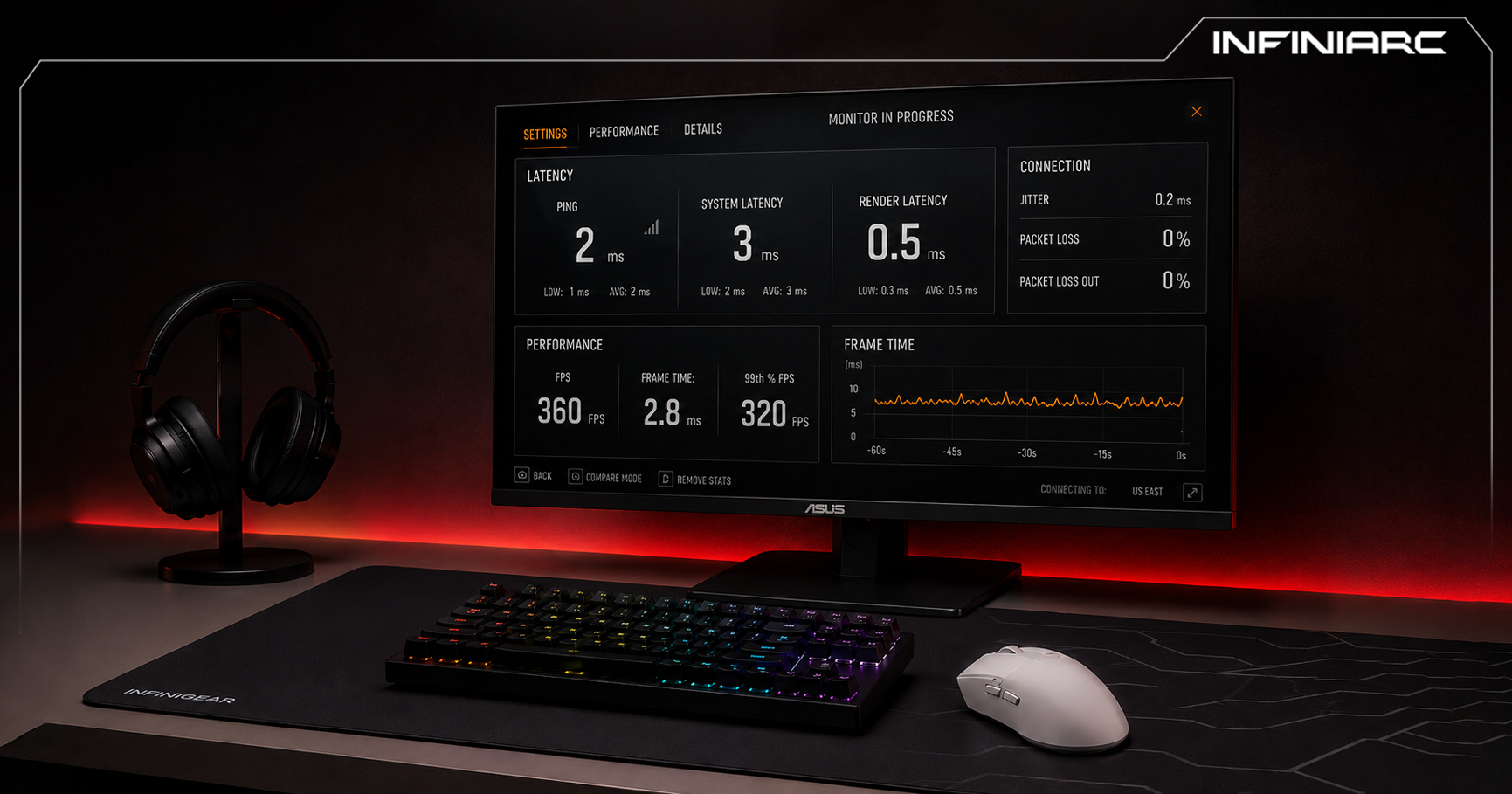
There are two main methods for measuring response time, and it's important to distinguish between them because you'll find both on monitor spec pages:
Practical tip: treat both numbers as directional signals rather than absolute guarantees, and rely on trusted independent reviews before buying.
Response time varies significantly depending on the panel type:
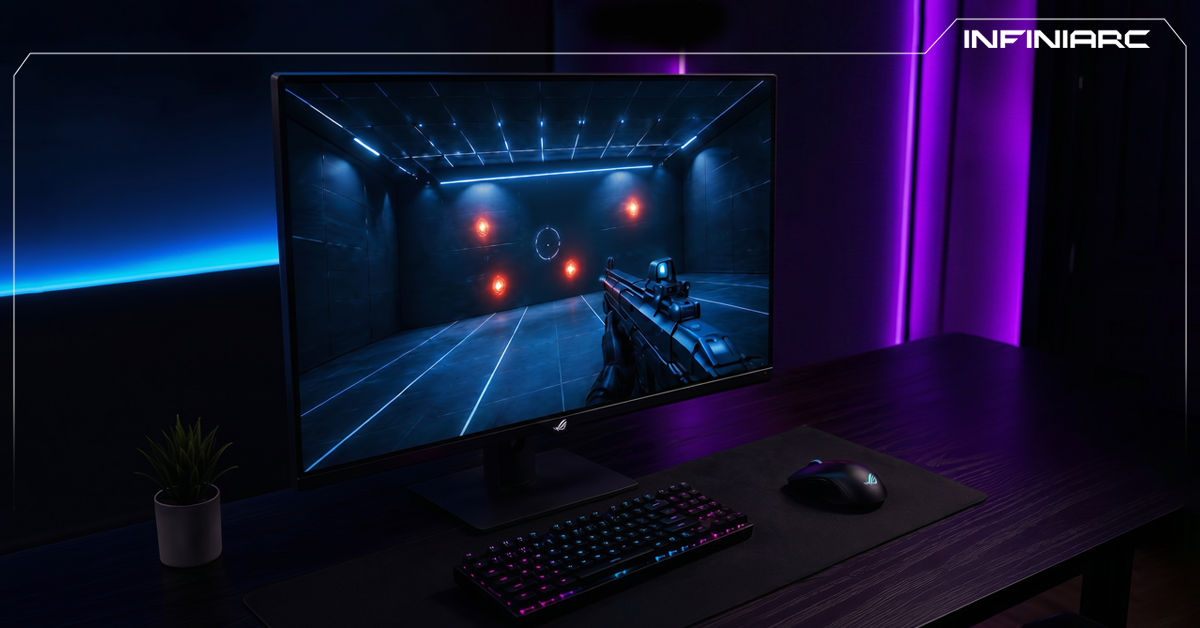
Most monitors offer an option called Overdrive in the settings menu (OSD), which speeds up pixel transitions to reduce ghosting. But cranking it to the maximum can cause the opposite problem, called overshoot or inverted ghosting, where bright halos appear behind moving objects. This is why a moderate, balanced Overdrive level is recommended over the maximum setting.
Advanced 2026 monitors have also begun adopting AI-powered Overdrive algorithms that predict frame content and preemptively adjust voltage to minimize transition times based on content type.
The answer depends entirely on your type of gaming and use:
Does 1ms response time mean no blur at all?
No. A monitor can advertise 1ms GtG and still show some blur due to a higher MPRT caused by the pixel staying lit for the full refresh cycle.
What's the difference between GtG and MPRT?
GtG measures the pixel's actual transition speed, while MPRT measures how long the image remains visible during motion, closer to the blur the eye actually perceives.
Which matters more, response time or refresh rate?
Both matter and work together. You need a high refresh rate and a low response time for a smooth and clear experience at the same time.
Is Overdrive worth enabling?
Yes, but at a moderate level. Overdoing it causes inverted ghosting (overshoot).
Response time in gaming monitors isn't just a marketing number on the box, it's an indicator of how clear the image stays during fast motion. What matters most is understanding how it differs from input lag, reading both the GtG and MPRT numbers together, and factoring in panel type and Overdrive settings. A competitive gamer needs the lowest possible response time with the highest refresh rate, while an immersion-focused gamer can trade a little speed for better colors and contrast. The golden rule: don't buy a monitor based on a single number, look at the complete picture.