The Real Bottleneck in Gaming PC Builds — What's Actually Holding Your Performance Back?
May 09, 2026
The difference between Esports and AAA gaming performance is the defining factor in the experience you'll get whether you're chasing ultra-fast response times and high-level competition, or stunning visuals and deeply immersive realism. Understanding this difference helps you choose the right hardware and settings to get the best possible performance and enjoy a gaming experience that combines stability with raw power.
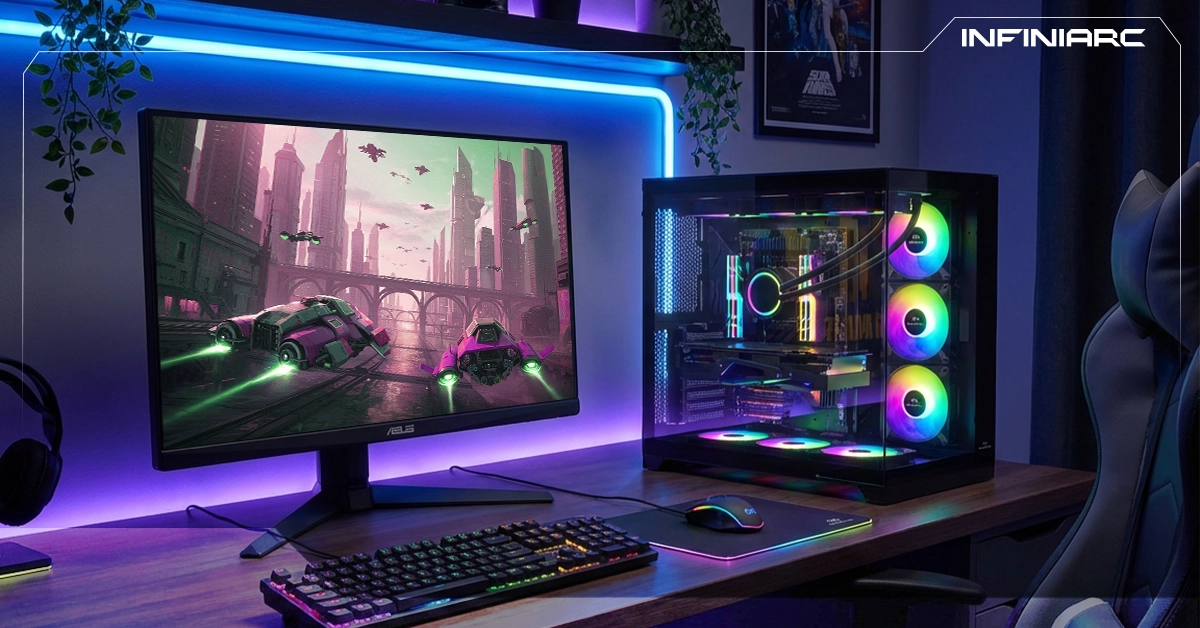
Esports games are competitive online titles played by professional gamers in organized tournaments and global championships think League of Legends or Counter-Strike. AAA games refer to big-budget, high-production titles from major studios think GTA V or Final Fantasy VII built to push hardware to its limits with cinematic visuals and expansive worlds.
| Difference | Esports (e.g. Valorant, CS:GO) | AAA (e.g. Cyberpunk 2077, GTA V) |
| Frame Rate (FPS) | 144–360 FPS stable, optimized for high rates | 60–120 FPS, drops in complex scenes |
| Graphics Requirements | Simple visuals, low-end PC support for wide access | High-end graphics, ray tracing, 4K/8K textures |
| RAM Usage | 8–16GB sufficient, CPU-focused | 16–32GB+, heavy on GPU/RAM |
| Competitive Stability | Built for competitive play, strong anti-cheat, low latency | Story/world-focused, less stable in multiplayer |
| Example Hardware | RTX 3060 + i5 sufficient for 240Hz | RTX 4080 + i9 needed for ultra settings |
No — RTX cards are not mandatory for running AAA games. Most titles can run on GTX or AMD Radeon cards, especially at medium settings or 1080p.
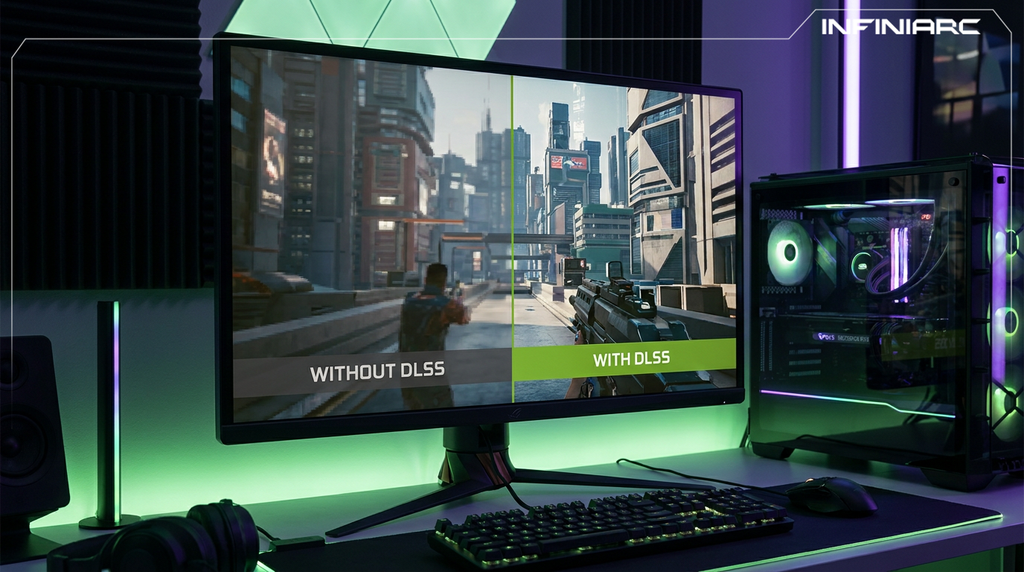
Core AAA Requirements: Modern AAA titles like Cyberpunk 2077 or Elden Ring run acceptably on cards like the GTX 1660 Super or RX 580, delivering around 60 FPS at medium 1080p settings. RTX cards add advanced features like Ray Tracing and DLSS that improve quality and performance but they're not required to play.
Effective RTX Alternatives:
| Component | Esports (e.g. CS2, Valorant) | AAA (e.g. Cyberpunk, GTA VI) |
| CPU | Mid-range (i5 or Ryzen 5, single-core focused) | High-end (i7/i9 or Ryzen 7/9) |
| GPU | Mid-range (RTX 3060 or RX 6600 sufficient) | High-end (RTX 4070+ or RX 7800 XT) |
| RAM | 8–16GB | 16–32GB+ |
| Storage | Fast SSD (500GB sufficient) | 1TB+ SSD + HDD for large libraries |
| Graphics Settings | Low/Medium for 240+ FPS | High/Ultra for 60+ FPS |
| Cooling | Standard air cooling | Advanced liquid cooling |
INFINIARC® is a Saudi-based specialist in gaming hardware and custom builds helping you find exactly the right setup through a structured approach:
Game Type Analysis INFINIARC® starts by evaluating what you play. For Esports titles like Valorant or CS2, the focus is on strong single-core CPU performance and a mid-range GPU to hit 240+ FPS. For AAA titles like Cyberpunk, you need a powerful GPU with RTX for ray tracing and more RAM headroom.
Custom Build Recommendations Ready-to-run builds like the i5-14400F with RTX 5060 Ti are ideal for Esports at 16GB DDR5. For AAA gaming, builds with 32GB RAM and RTX 5070 deliver flawless 1440p performance — with full component compatibility guaranteed.
Benchmarking and Simulation Tools INFINIARC® uses tools like PCGameBenchmark to simulate expected performance on your specific games showing projected FPS across different settings and helping you avoid overspending on components you don't actually need.
Budget and Balance Support For Esports, builds under 5,000 SAR with an RTX 3060 deliver everything you need. For AAA, investing in an RTX 4060 or RTX 4070+ makes sense with financing options available and a consistent focus on balancing CPU, GPU, and RAM.
After-Sales Service Full warranty and technical support for future upgrades from adding a larger SSD for heavy AAA titles to improving cooling for long Esports sessions plus free in-store consultations.
Real Customer Experiences INFINIARC® customers consistently praise the value delivered for Esports builds, while AAA configurations regularly outperform competing options at the same price point.
No Esports titles are deliberately designed to run on mid-range and even low-end hardware to ensure wide accessibility for competitive players.
Real Minimum Requirements: Games like Valorant or League of Legends run on older processors like the Intel Core 2 Duo or i3 with integrated graphics like Intel HD 4000, hitting 60+ FPS on low settings with just 8GB of RAM.
CS2 is more demanding requiring a quad-core CPU like the i5-750 and 1GB VRAM but still favors modern processors to avoid stuttering in competitive play.
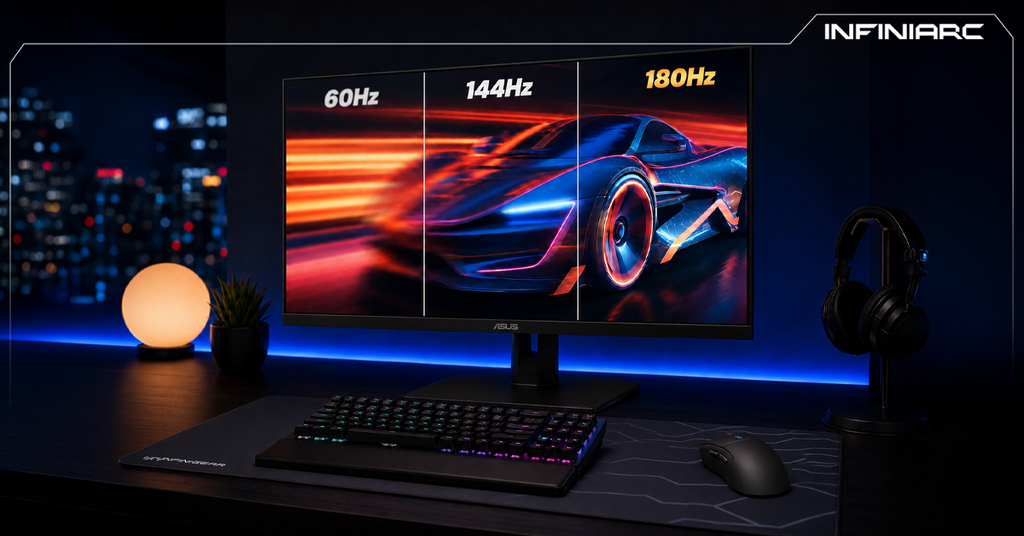
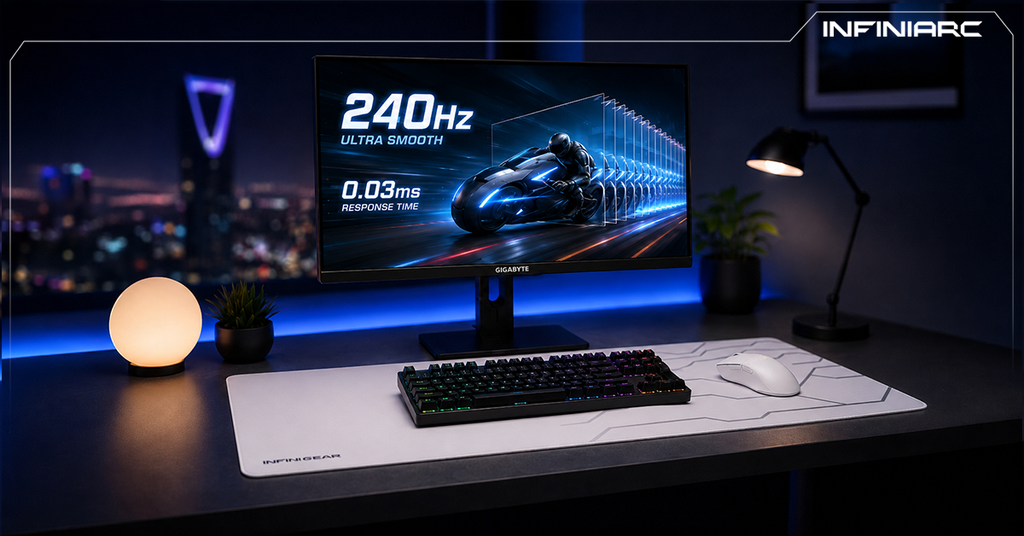
The Competitive Performance Focus: Professional players use high-end rigs to hit 240+ FPS on high-refresh-rate displays but this is optional for casual players. A build with an i5 and RTX 3060 is more than sufficient for serious Esports play without excess spending.
Esports Upgrades Upgrades are rarely urgent given the low hardware demands. Consider upgrading when frame rates drop below 144 FPS in competitive matches, or when an older CPU (below i5 Gen 10) causes latency especially with new releases like the updated CS2 in 2026. Upgrade cycle: every 3–5 years, with focus on 240Hz+ displays or 16GB RAM for multitasking during streams.
AAA Upgrades Upgrade when performance drops below 60 FPS at high settings (1080p), or when upcoming 2026 titles like GTA VI demand RTX 40-series cards, 32GB RAM, and a capable processor. Upgrade cycle: every 2–3 years to keep pace with 4K and DLSS demands especially if temperatures are rising or stuttering appears.
General Upgrade Warning Signs FPS dropping below 30 in new titles, frequent BSODs indicating GPU/CPU strain, or load times exceeding one minute pointing to the need for a larger NVMe SSD.
Understanding the difference between Esports and AAA gaming performance puts you in control of your hardware decisions. Explore the latest builds and offers at INFINIARC® today and take your performance to a professional level.