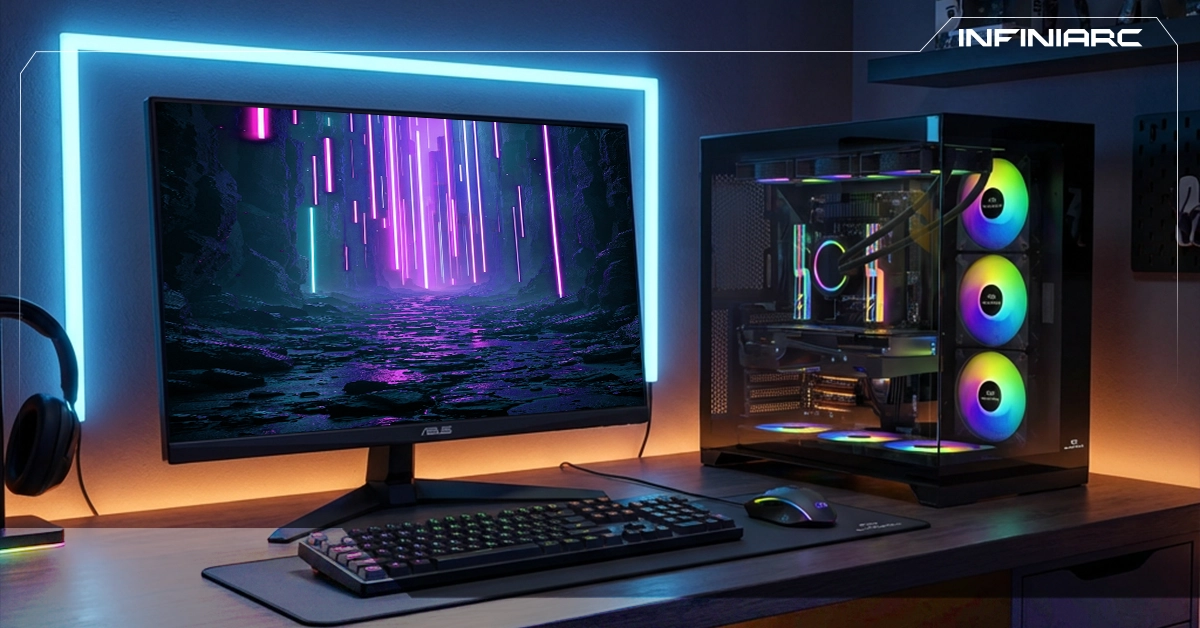
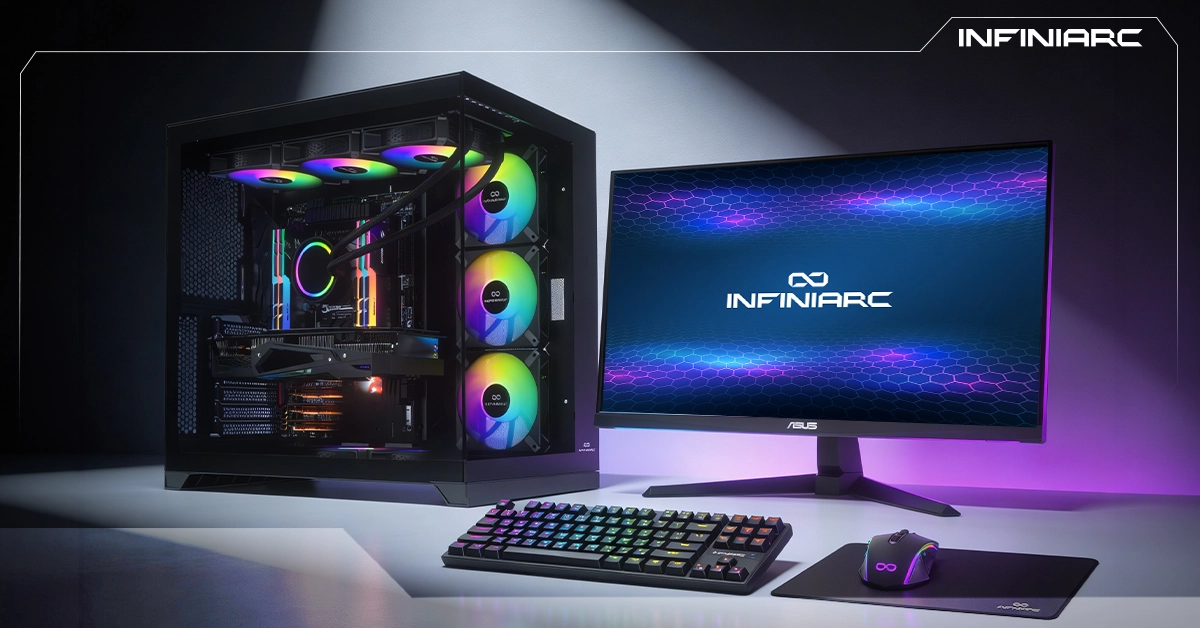
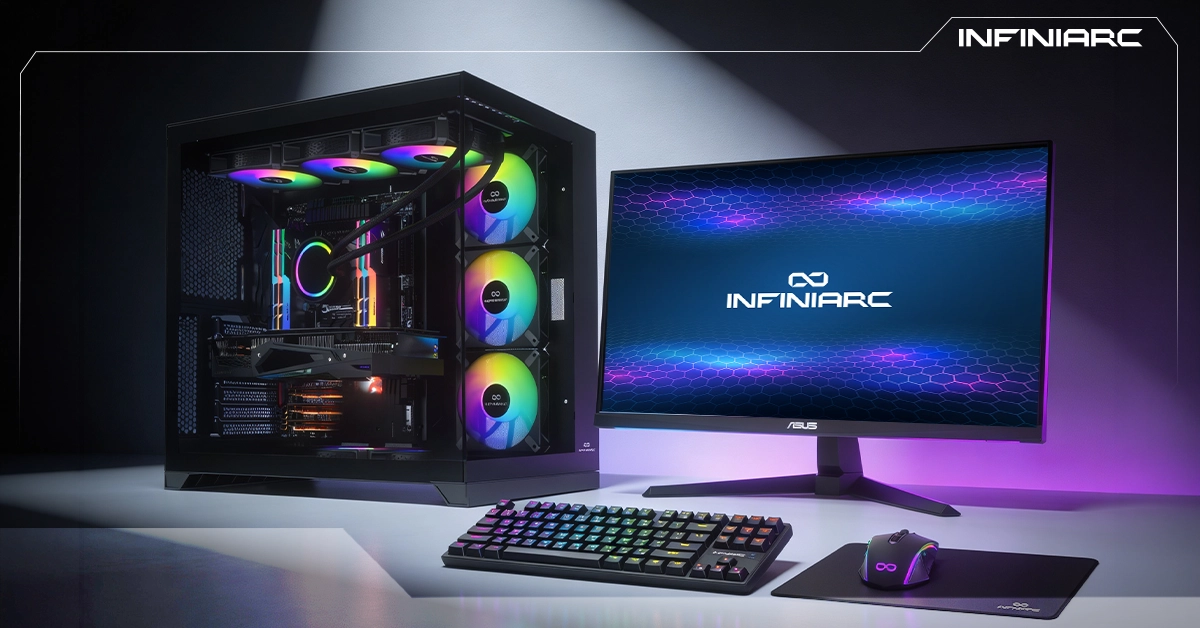
Gaming PC builds are the ultimate solution for enthusiasts seeking exceptional performance and a seamless experience. These builds combine carefully matched components CPU, GPU, RAM, and storage working as one cohesive unit. Designed to achieve the highest frame rates and run modern games at maximum quality, with effective cooling and sustained stability, they represent the professional choice for every gamer pursuing an advanced, stutter-free gaming experience.
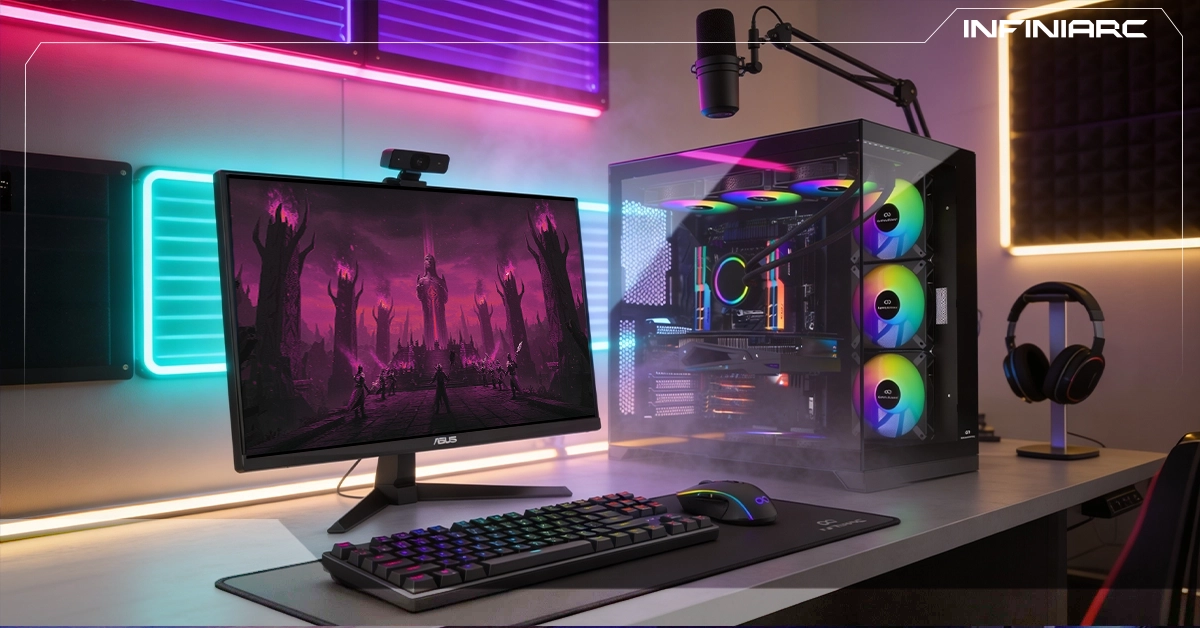
What Are Gaming PC Builds — and Why Are They the Best Choice for Gaming?
Gaming PC builds are purpose-built computers assembled from individual high-performance components to run modern video games smoothly at high resolution. A complete build includes a powerful CPU (Intel Core or AMD Ryzen), an advanced GPU (NVIDIA RTX), 16–64GB of RAM, fast SSD storage, a compatible motherboard, and an effective cooling system.
Here's why they're the best choice for gaming:
- Advanced processors and graphics cards like the RTX 50-series enable 4K gaming at 60+ FPS without delay — something standard computers simply cannot deliver
- Individual components can be upgraded freely (adding RAM or a new GPU) to extend the system's life for years — unlike consoles that require full replacement
- They suit every level of player from budget builds for beginners to professional configurations — with an optimal price-to-performance ratio compared to prebuilt alternatives
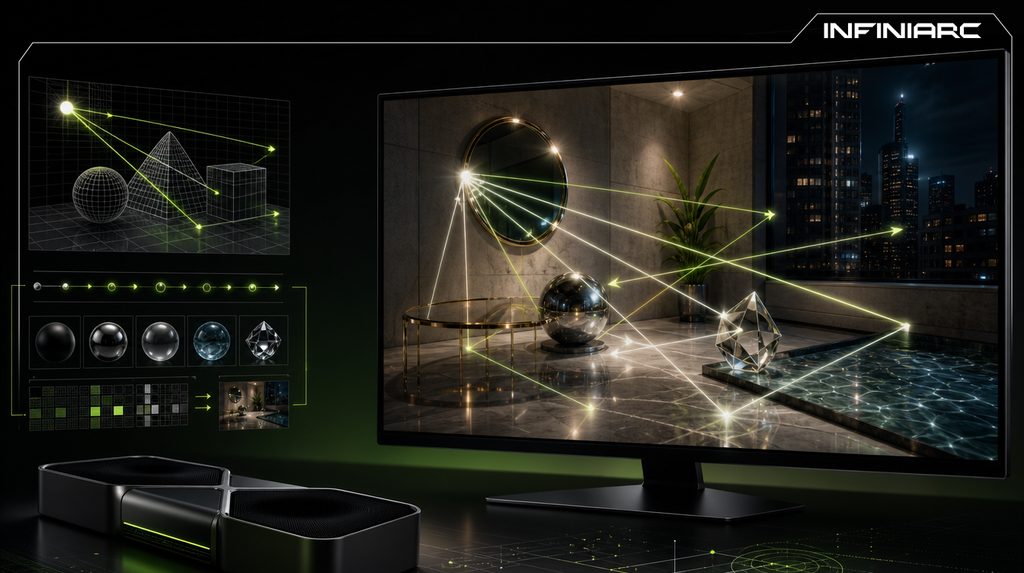
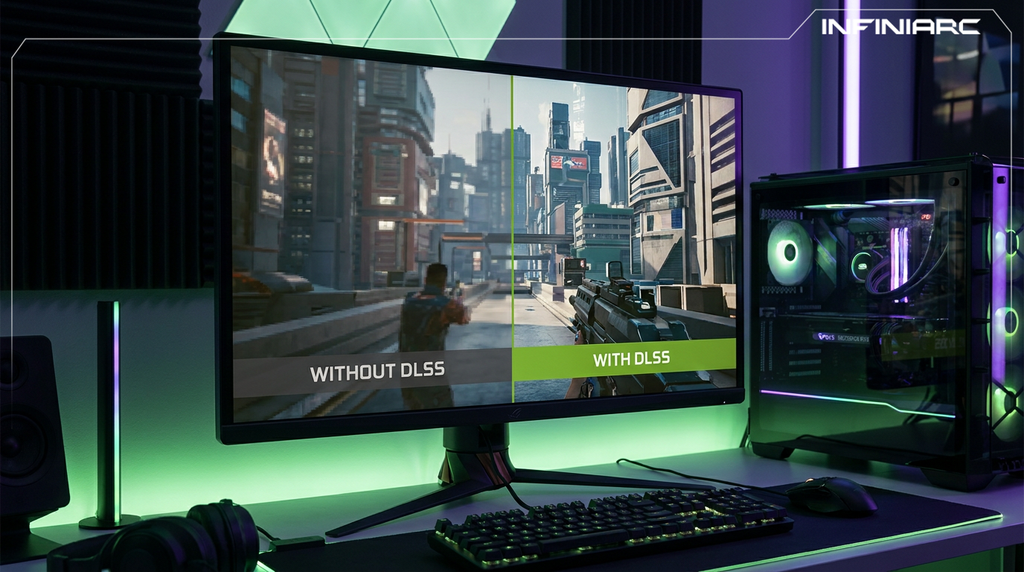
- They support technologies like Ray Tracing, DLSS, and VR, alongside multitasking capabilities for streaming and video editing with effective cooling for long sessions
- They outperform consoles in modern gaming while doubling as productivity workstations — making them the smartest long-term investment for gaming enthusiasts
The Most Important Gaming PC Components — and What Each One Does
- CPU — Processor
The brain of the system manages calculations, in-game physics, and multitasking. In gaming, it ensures frame stability and response speed. Options like the Intel Core i7 or AMD Ryzen 7 are the standard for serious builds.
- GPU — Graphics Card
The core of graphical performance renders 3D images and supports Ray Tracing and DLSS for 4K quality. NVIDIA RTX and AMD RX cards deliver the highest frame rates without lag.
- RAM
Stores temporary data for fast access. 32GB DDR5 is essential for smooth gaming and streaming without stuttering especially during multitasking workloads.
- Storage — SSD
Provides fast game and system loading (1TB+ NVMe SSD) dramatically reducing wait times compared to a traditional HDD.
- Motherboard
Connects all components, supports future upgrades, and provides PCIe slots for advanced GPUs with full CPU and RAM compatibility.
- PSU and Cooling
A 750W+ power supply ensures stable power delivery. Air or liquid cooling keeps temperatures low for sustained performance throughout long gaming sessions.
How to Choose the Right Gaming PC Build for Your Budget
- Define your budget
Start with a clear total budget ( 4,000–15,000 SAR) and distribute it: 30–40% to the GPU, 20% to the CPU, and the remainder to RAM, storage, and cooling. This ensures a balanced build without wasteful spending.
- Set your performance goals
Think about your target resolution (1080p for budget builds, 4K for professional), the games you play (e.g. Cyberpunk for Ray Tracing), and future upgrade potential. If you're starting out, aim for 1440p with an RTX 4060.
- Choose your core components
Invest in a strong GPU first (RTX 50-series for 2026 performance), then a balanced CPU (Ryzen 5 or i5), 32GB DDR5 RAM, and a 1TB NVMe SSD. Use PCPartPicker to verify compatibility and pricing.
- Verify quality and after-sales support
Buy from trusted retailers like INFINIARC®, confirm 2–3 year warranties, and test performance with tools like Cinebench and 3DMark before finalizing your purchase.
How Much RAM and SSD Storage Do You Actually Need?
- Ideal RAM
32GB DDR5 (2×16GB at 6000MHz+) delivers smooth performance in demanding titles like Cyberpunk 2077 at 4K with Ray Tracing — and supports streaming or editing without delay. 16GB is sufficient for 1080p but may cause stuttering in heavier titles. 64GB is reserved for professional workloads.
- Recommended SSD Capacity
Start with a 1TB NVMe SSD (PCIe 4.0 or 5.0) to store 5–10 large games with near-instant loading. 512GB is the absolute minimum for beginners but fills up quickly. Add an HDD for archival storage if needed.
- Tips for Optimal Performance
Choose dual-channel RAM to increase memory bandwidth by 20–30%. An NVMe SSD reduces load times by up to 70% compared to SATA drives. Always verify compatibility through PCPartPicker before purchasing.
Best Gaming PC Builds for Modern Games Like Warzone and Valorant
INFINIARC® offers the most capable builds for today's most demanding competitive titles:
Gaming PC — NVIDIA RTX 5090 + Intel Core Ultra 9 + Liquid Cooling + 32GB DDR5
An elite-level build combining Intel Core Ultra 9 285K with RTX 5090, 32GB DDR5, and advanced liquid cooling delivering smooth, lag-free gameplay in the most demanding games and applications.
Gaming PC — NVIDIA RTX 5090 + AMD Ryzen 7 7800X3D + Liquid Cooling + DDR5
The power of AMD Ryzen 7 7800X3D paired with NVIDIA RTX 5090 (32GB) an exceptional gaming experience with liquid cooling and fast DDR5 memory, ensuring zero lag in the heaviest games and applications.
Gaming PC — NVIDIA RTX 5080 + Intel Ultra 9 285K + Liquid Cooling + 32GB DDR5 + 2TB M.2 + Wi-Fi
A complete professional gaming system Intel Ultra 9 285K with RTX 5080, liquid cooling, 32GB DDR5, 2TB M.2 storage, and built-in Wi-Fi. Smooth performance, stunning visuals, and fast wireless connectivity.
Best Gaming PC Build for Live Streaming and Content Creation
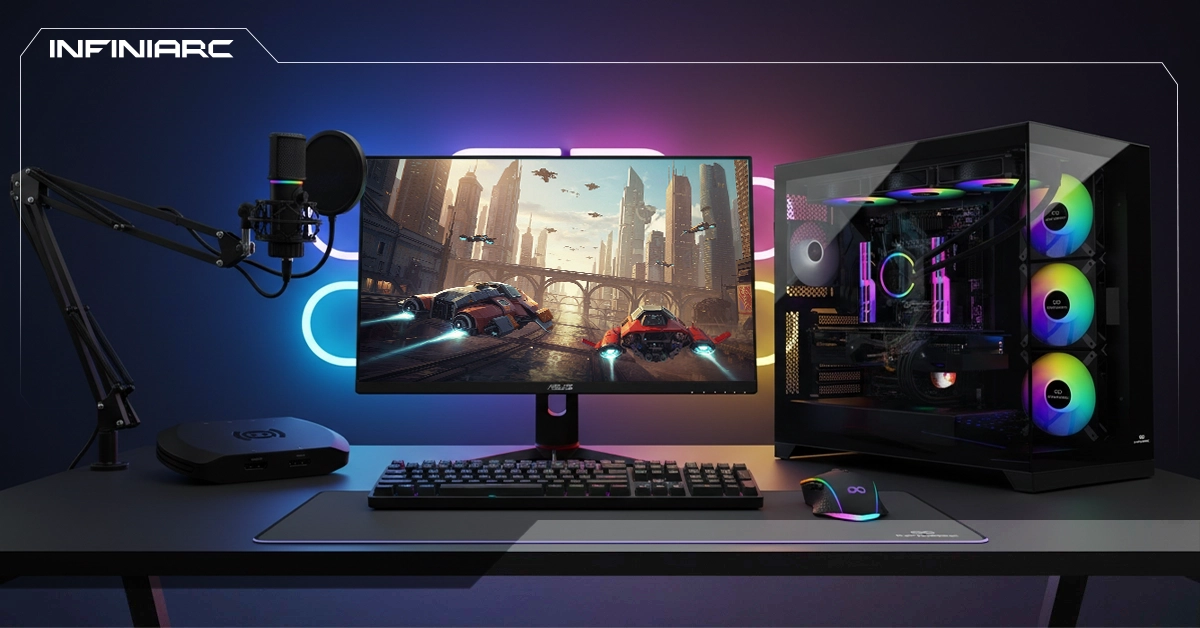
- INFINIARC® provides professional gaming PC builds with powerful processors and advanced graphics cards to guarantee smooth live streaming and high-quality content production:
- INFINIARC® Streaming Bundle
A complete streaming solution including essential tools for professional-quality broadcasts microphone, camera, and capture card delivering a full streaming experience with stable performance, clear audio, and sharp video.
- ASUS ProArt PA401 Wood Edition — ATX Case with Metal Front Panel
An ATX case with a premium wood finish and solid metal frame, pre-installed with three 160mm fans for enhanced ventilation. Combines effective thermal performance with a sleek, professional aesthetic.
- Streamplify PRO 4K Webcam — INFINIARC® Edition
A 4K webcam delivering ultra-sharp image quality and a wide field of view ideal for meetings and live streaming, with a practical design that ensures privacy and easy mounting.
How Much Does a Gaming PC Build Cost in Saudi Arabia?
- Target performance tier
Budget 1080p builds cost less due to entry-level components, while professional 4K/Ray Tracing configurations push prices higher through advanced GPUs and CPUs like the RTX 50-series or Ryzen 9.
- Component quality and pricing
The GPU accounts for 30–50% of total cost (RTX 4060 is relatively affordable versus the RTX 5090). CPU, DDR5 RAM, and NVMe SSD follow. Premium brands like ASUS add 10–20%.
- Taxes and import fees
15% VAT, plus 5–15% import duties on foreign components especially from Asia or the US with additional impact from USD/SAR exchange rate fluctuations.
- Retailer and additional services
Some Saudi retailers add a margin, optional paid assembly, extended warranties (2–5 years), and domestic shipping adding 5–10% to the final bill.
- Market fluctuations and promotions
Global chip demand or production shortages (like TSMC constraints) and inflation (approximately 2% in 2026) push prices up offset temporarily by seasonal discounts or installment plans.
7 Essential Tips Before Buying a Gaming PC Build
- Distribute your budget clearly allocate roughly 40% to the GPU and focus on performance-to-price without overspending on unnecessary luxury
- Choose based on your target resolution (1080p or 4K), the games you play, and VR or streaming requirements to avoid over or under-buying
- Verify compatibility using tools like PCPartPicker CPU to motherboard socket, RAM to DDR5 support, and PSU to total power requirements
- Research real-world benchmarks in 2026 titles like Cyberpunk at high resolution focus on temperatures and long-term stability, not just peak FPS
- Buy from trusted Saudi retailers like INFINIARC® with 2–3 year warranties avoid unknown importers to protect against counterfeit components
- Choose a future-proof motherboard with PCIe 5.0 and additional expansion slots for GPU or RAM upgrades extending your build's lifespan by 3–5 years
- Request performance testing with tools like 3DMark or Cinebench, and verify cooling effectiveness and noise levels before accepting your final build