The Real Bottleneck in Gaming PC Builds — What's Actually Holding Your Performance Back?
May 09, 2026
Real gaming PC build performance delivers a smooth, enjoyable, and complete experience for gaming enthusiasts with a focus on high performance, stable frame rates, and fast response times. These builds aim to extract maximum value from available hardware from powerful processors and advanced graphics cards to effective cooling systems guaranteeing a lag-free gaming experience with strong upgrade flexibility. This makes them the ideal choice for both professional and casual gamers who demand standout performance.
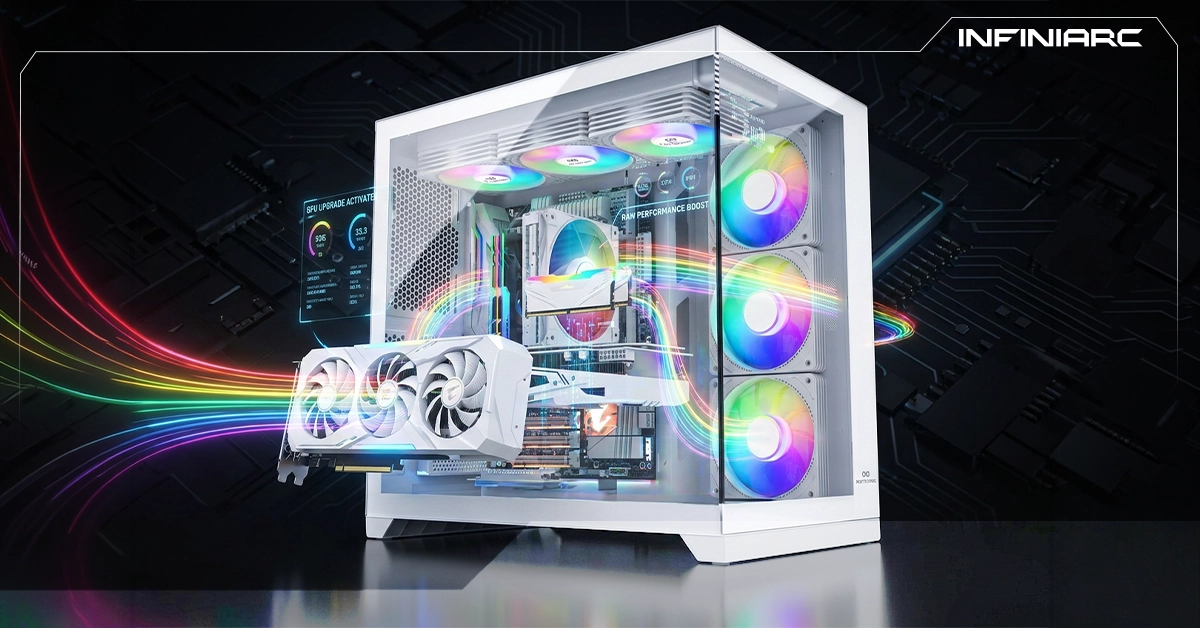
Real gaming PC build performance refers to the actual, measurable output of a custom gaming PC — far removed from marketing claims or theoretical specs on paper. It is determined by real-world results in benchmarks like FPS, temperatures, and stability under heavy load in actual games.
The concept of a "real build" means testing the complete system CPU, GPU, RAM, and cooling — in genuine gaming scenarios like AAA titles at high settings, to confirm the promised performance is actually delivered without issues like throttling or overheating.
1. The CPU — Your Performance Foundation A processor like the Ryzen 5 or Intel Core i5 forms the base of any gaming build. Overclocking can boost FPS by up to 20% in computation-heavy games.
2. Fast RAM DDR4/5 at 3200MHz or higher especially paired with Ryzen prevents memory bottlenecks and improves real-world performance by 15–30% compared to slower RAM.
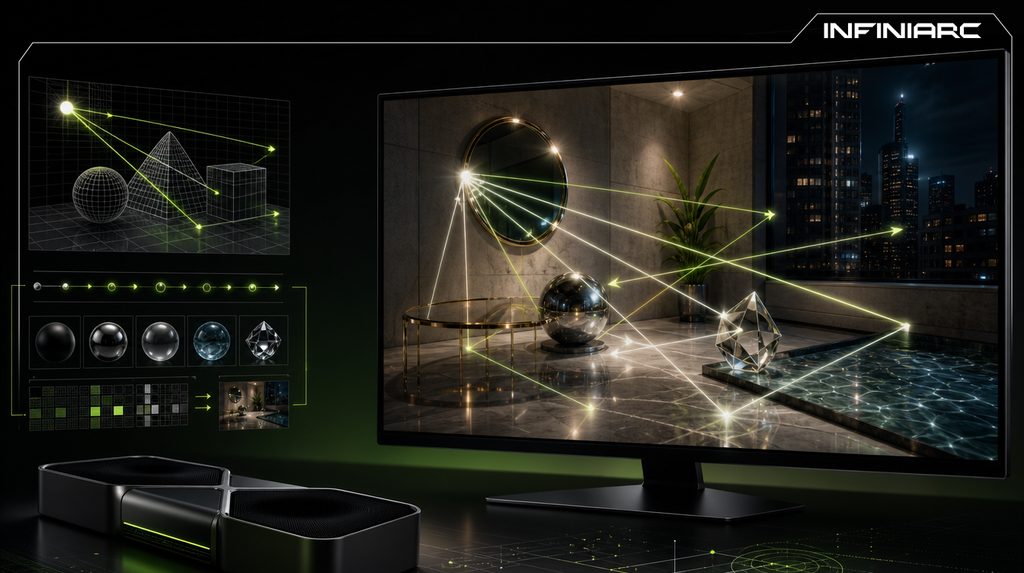
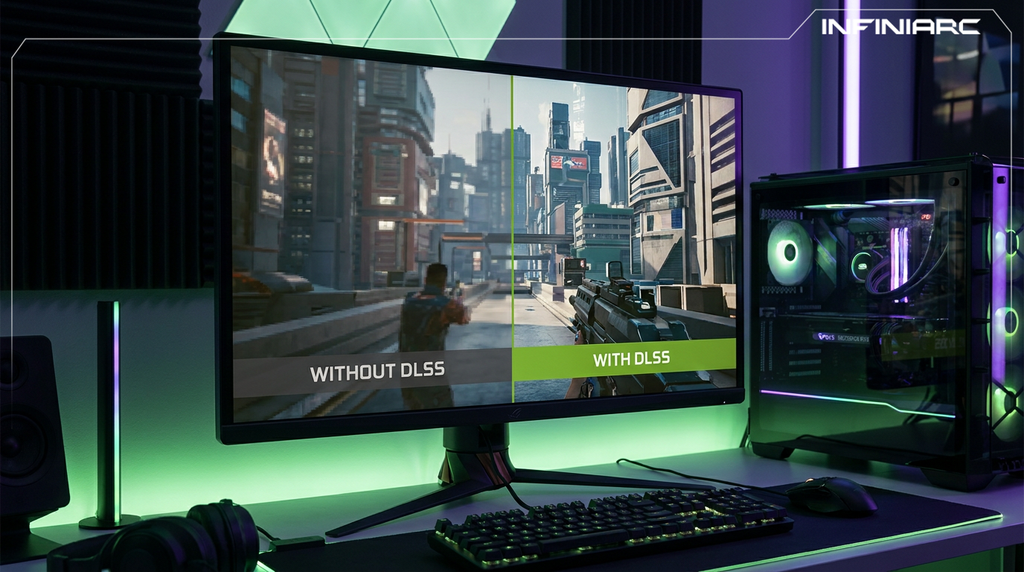
3. The Right GPU A card like the RTX 4060 Ti or higher supports Ray Tracing and DLSS pushing real performance at 1440p to 100+ FPS in demanding titles.
4. Effective Cooling Liquid or quality air cooling keeps temperatures below 80°C maintaining full performance without automatic clock speed reductions.
5. Quality PSU A 750W+ 80+ Gold power supply ensures stable voltage under load preventing crashes during long gaming sessions.
6. Updated Software and Firmware Installing the latest BIOS, GPU drivers (NVIDIA/AMD), and tools like MSI Afterburner for safe overclocking after assembly makes a measurable difference.
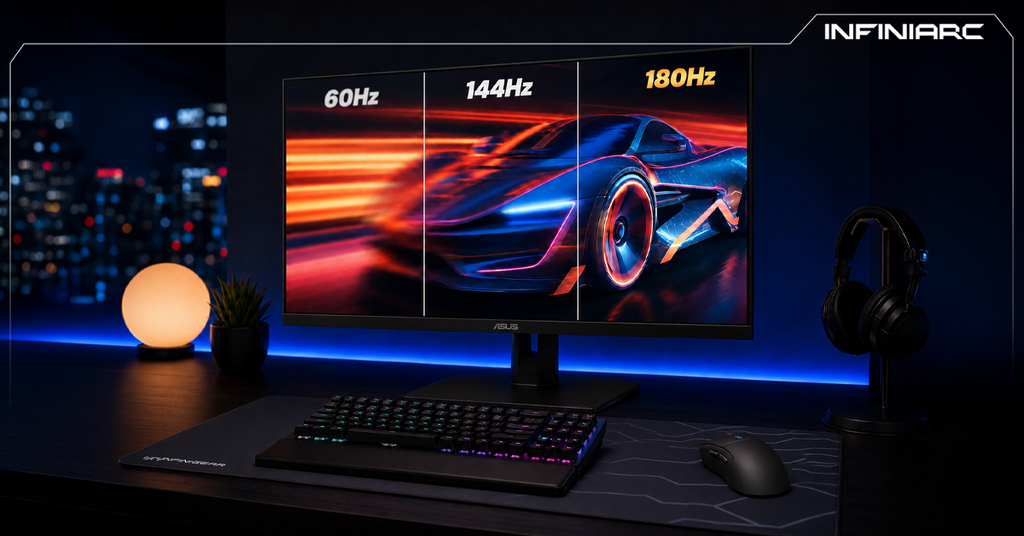
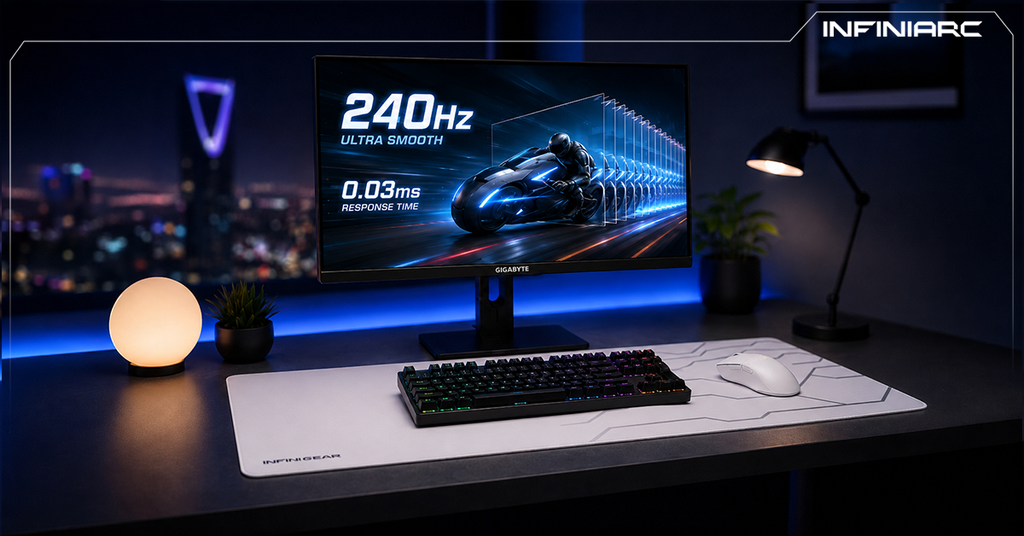
7. A Compatible High-Refresh Monitor A 144Hz+ display with 1ms response time amplifies the feel of real performance especially with G-Sync/FreeSync support to eliminate screen tearing.
Yes significantly. Cooling prevents thermal throttling, which automatically reduces clock speeds to protect components under heat stress.
How Thermal Impact Works When CPU or GPU temperatures exceed 85–90°C, automatic throttling kicks in — cutting FPS by 20–50% in demanding games like Cyberpunk 2077 or Fortnite during long sessions, even with high-end specs.
Practical Monitoring Tip Monitor temperatures using HWMonitor or MSI Afterburner. If temps exceed 85°C, improve airflow or add supplementary cooling to achieve real performance without thermal losses.
INFINIARC® offers a diverse range of gaming PC builds designed for every level of player from balanced mid-range configurations to elite professional setups:
Gaming PC — NVIDIA RTX 5070 + Intel + DDR5 A balanced build delivering strong high-resolution performance with the RTX 5070 and a modern Intel processor. DDR5 support adds speed and responsiveness ideal for competitive gaming and AAA titles with excellent frame stability. The perfect choice for those seeking serious graphical power at a competitive price.
Gaming PC — AMD Ryzen 7 7800X3D + RTX 5070 + 32GB DDR5 A professional-grade choice for high-performance enthusiasts. The Ryzen 7 7800X3D delivers exceptional gaming output through 3D V-Cache technology paired with the RTX 5070 for advanced visuals and 32GB DDR5 for smooth gameplay, streaming, and content creation.
Gaming PC — NVIDIA RTX 5060 Ti + Intel Core 7 + DDR5 A powerful upper-mid-range build combining the RTX 5060 Ti with an Intel Core 7 for outstanding performance at 1080p and 1440p. An excellent price-to-performance ratio with high-speed DDR5 loading ideal for modern gaming and multitasking.
Gaming PC — NVIDIA RTX 5070 + Intel Core 7 + Liquid Cooling + 32GB DDR5 A high-performance build engineered for maximum power and stability under pressure. RTX 5070 paired with Core 7, 360mm liquid cooling for sustained low temperatures, and 32GB DDR5 delivering smooth performance in the most demanding games and live streaming scenarios.