The Real Bottleneck in Gaming PC Builds — What's Actually Holding Your Performance Back?
May 09, 2026
This question helps you identify the right moment to take a step that genuinely enhances performance and delivers real, meaningful advantages. Upgrading your PC at the right time ensures better speed, greater stability, and a more efficient experience overall. Upgrading without a clear need, on the other hand, may add no real value. Understanding the difference between necessity and luxury gives you the ability to make a smart, confident decision.
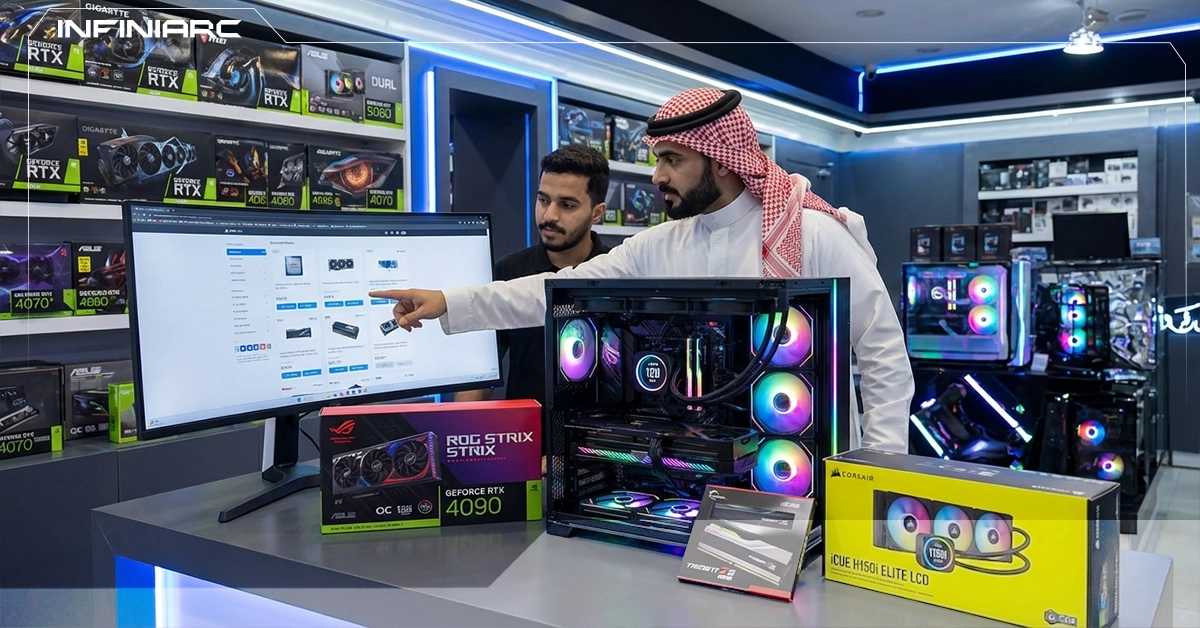
A hardware upgrade is the process of replacing or improving components in an electronic device such as a computer or smartphone with newer or more powerful parts to improve performance or compatibility with modern software. Upgrades typically involve replacing components like RAM, a graphics card, or a hard drive with an SSD to increase speed and efficiency without needing to buy an entirely new device. The key benefits include increased productivity, reduced failures, and an extended device lifespan — especially in gaming or professional work environments.
When an Upgrade Is a Necessity
An upgrade becomes necessary when performance issues are actively interfering with daily productivity or basic use:
An upgrade is a luxury when there is no noticeable impact on daily use and the motivation is purely personal preference:
RAM Upgrading from 8GB to 16–32GB immediately improves multitasking and eliminates freezing especially in demanding software or heavy browsing sessions. It's typically the cheapest upgrade with the fastest visible impact, and it's compatible with most modern devices.
SSD Replacing a traditional HDD with an SSD speeds up boot times by 5–10x and dramatically reduces file and game load times. It's the single best investment for older devices breathing new life into them without requiring any other major changes.
GPU — Graphics Card A GPU upgrade directly improves FPS in games and rendering speed for video editors. It's ideal for gamers and content creators but requires motherboard compatibility verification and comes at a higher cost unless the need is genuinely pressing.
CPU — Processor A CPU upgrade enhances multi-threaded processing and AI workload performance — but it's rarely the first upgrade to make due to cost and the frequent requirement to replace the motherboard as well. Best suited for heavy professional workloads only.
Free Technical Diagnosis INFINIARC®'s team provides a free device assessment via call or in-store visit identifying whether performance issues or RAM shortfalls make an upgrade genuinely necessary for your daily workflow.
Interactive Upgrade Calculator An on-site tool where you enter your current specs and usage patterns it compares cost versus performance improvement to show whether the upgrade is a smart investment or an unnecessary enhancement.
Specialist Consultations Advisors review your specific needs gaming, video editing, professional work and clearly explain when a GPU upgrade is a necessity for low FPS versus a luxury when your current hardware is already sufficient.
Pre-Purchase Compatibility Testing Proposed components can be virtually tested before purchase to confirm whether they solve a real problem like high temperatures or storage bottlenecks or simply add performance headroom without meaningful benefit.
Full Cost Comparison INFINIARC® calculates the cost of upgrading versus buying a new device factoring in warranty coverage to show whether the luxury upgrade justifies its price or whether a full system replacement is the smarter move.
Future Use Analysis Compatibility with 2026 software like AI tools is assessed to determine whether an upgrade is necessary for continued support or a luxury for features you don't currently need.
Personalized Performance Reports A customized report classifies your device's issues — slowness, full RAM, overheating as either necessary fixes or optional enhancements, with precise recommendations based on your actual usage data.