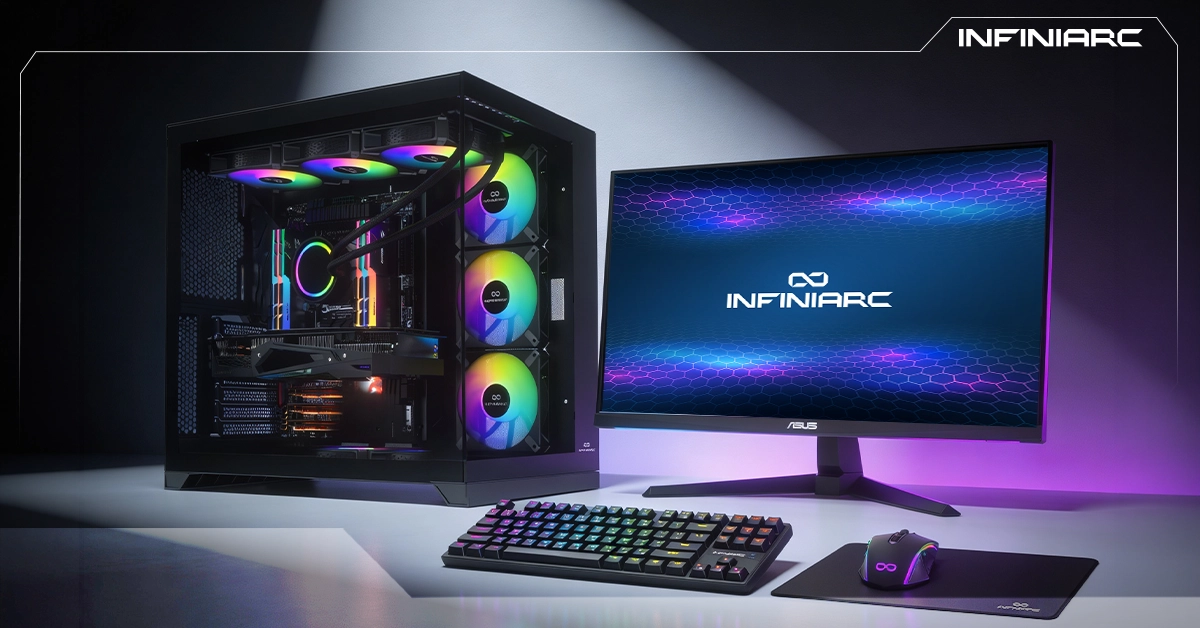
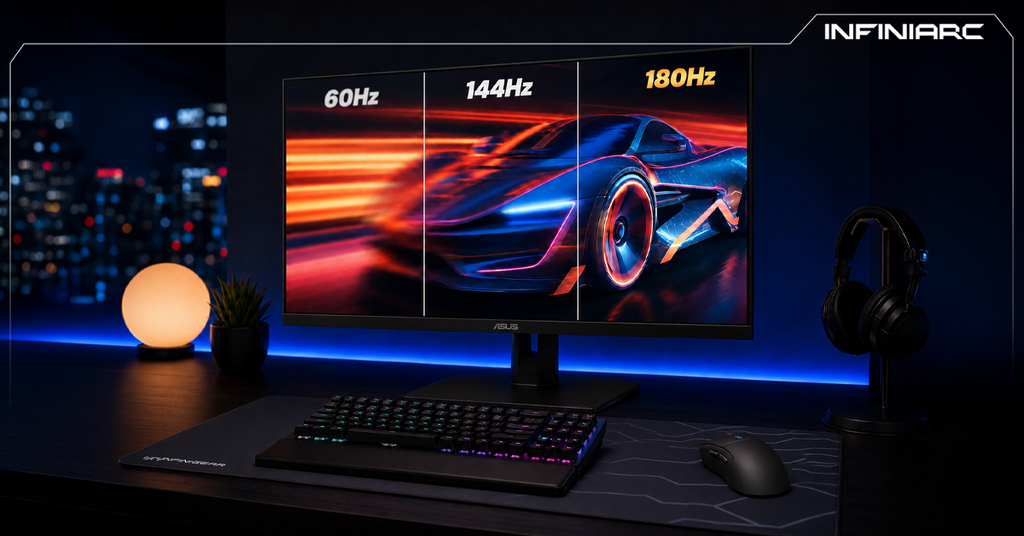
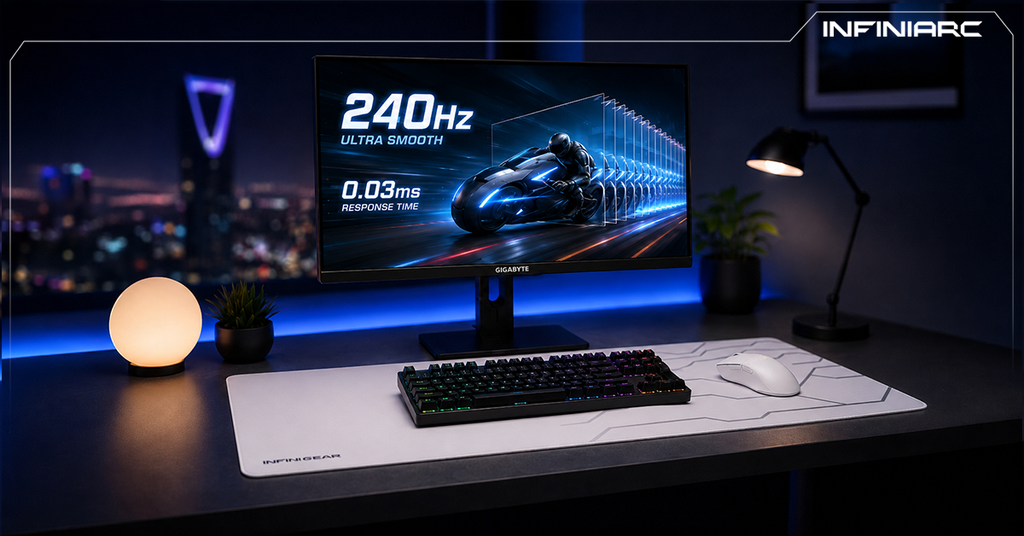
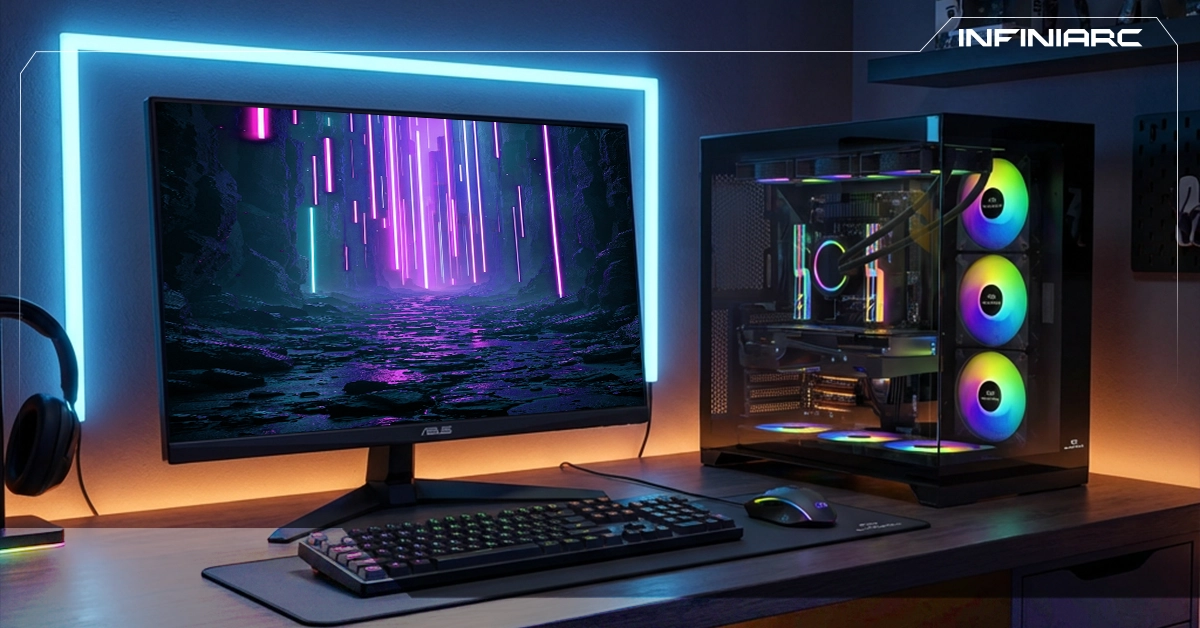
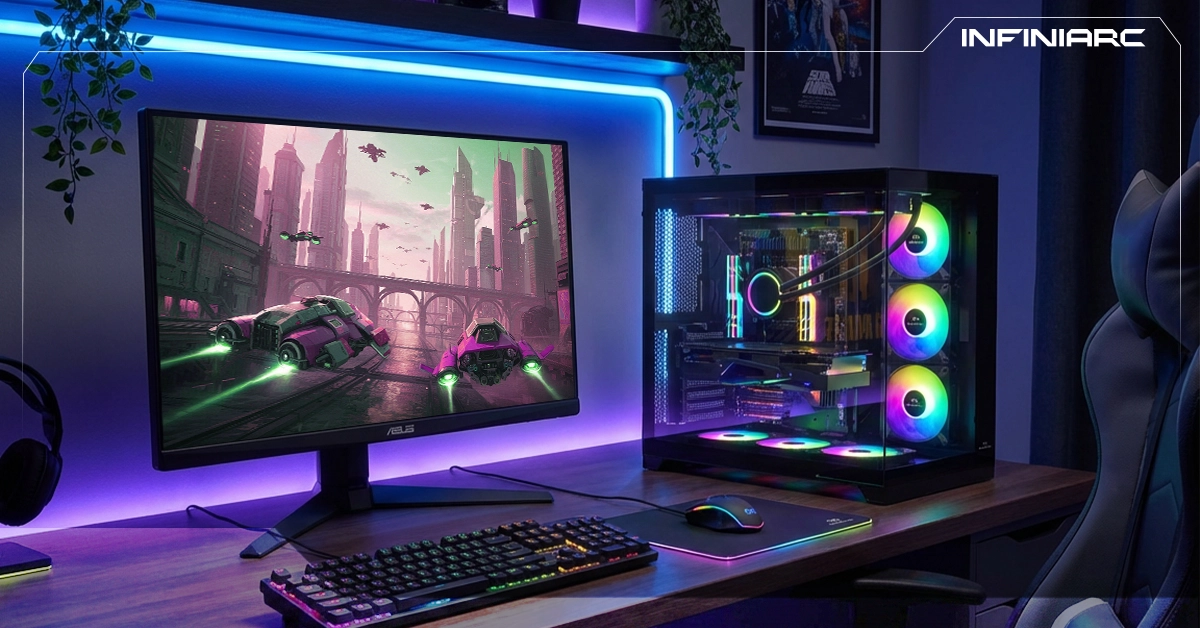
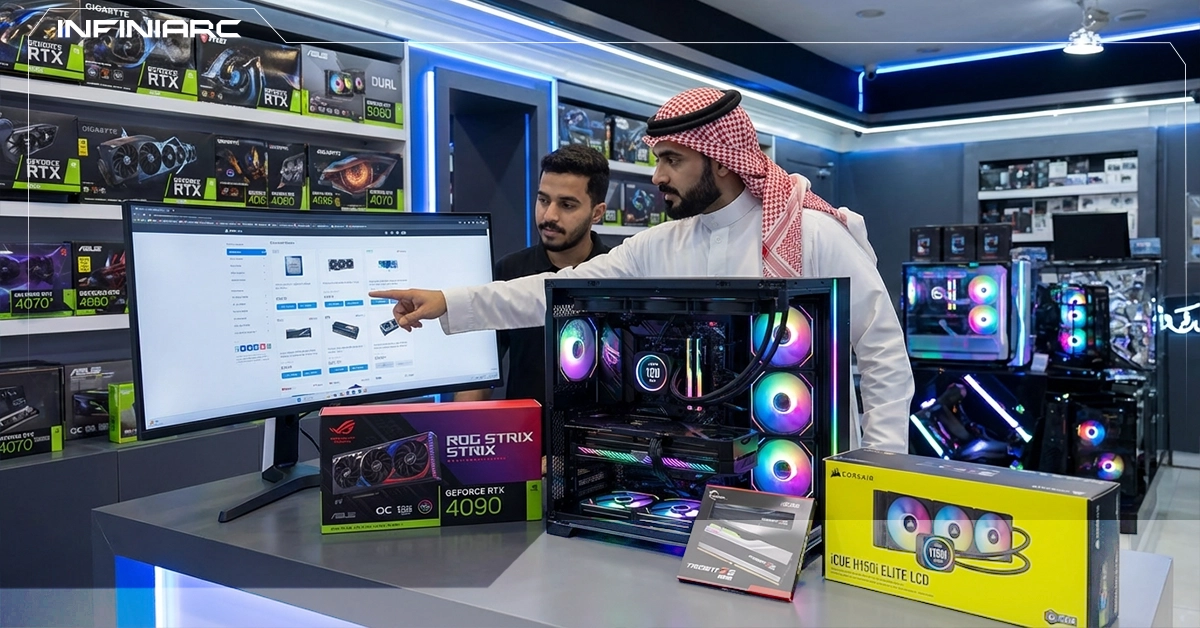
A well-built gaming PC is your gateway to a limitless gaming experience raw performance, blazing-fast frame rates, and a genuine competitive edge in every match. Built from carefully selected, compatible components with a perfect balance between power and efficiency, a custom gaming PC lets you run the latest AAA titles at maximum settings with zero stuttering or lag, instant response times, and sharper precision for a complete, immersive gaming experience.
What Is a Custom Gaming PC Build and Why Do Gamers Prefer It Over Prebuilt?
A custom gaming PC build is a system assembled from individually chosen components CPU, GPU, RAM, storage, and more specifically selected to run modern games smoothly at your target resolution and frame rate. The goal is compatibility and balance: squeezing maximum performance out of every dollar spent, with a focus on graphics power, thermal management, and future upgradeability. Here's why gamers consistently choose to build over buying prebuilt:
- Serious performance handpick powerful components like RTX 50-series GPUs to hit 4K gaming at 144+ FPS
- Better price-to-performance build a balanced rig without paying a brand premium for filler components
- Easy upgrades swap out the GPU or add more RAM down the line without rebuilding from scratch
- Full customization choose every part based on your exact needs, whether competitive esports or video editing, with RGB lighting and custom cooling
- Higher reliability no low-quality filler parts like prebuilts often include, meaning less heat and a longer component lifespan
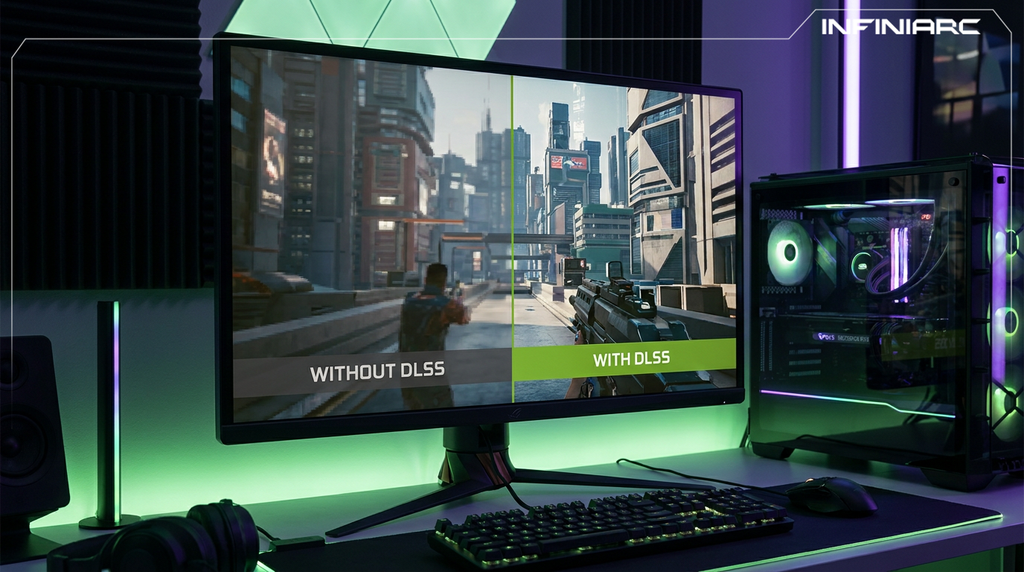
- Modern tech support native compatibility with DDR5, PCIe 5.0, and DLSS 3 for the best gaming performance available
- The satisfaction of building a rewarding hands-on experience that teaches you about PC hardware and gives you a build worth showing off
10 Criteria for Choosing the Best Gaming PC Build for Your Budget
Smart component selection is what separates a well-balanced gaming rig from an expensive mistake. Here's what to evaluate before spending a single dollar:
- Set a Hard Budget Before You Shop Lock in your total budget upfront whether you're working with $800 or $2,000 and use it to guide every decision. This prevents overspending on mismatched components and keeps your build balanced from the start.
- Decide on Your Target Resolution Your target resolution determines everything else. 1080p is ideal for entry-level and budget builds; 1440p is the sweet spot for mid-range performance; 4K is for high-end setups. This single decision tells you which GPU tier you need RTX 5060 for 1080p, RTX 5070 for 1440p, and above for 4K.
- GPU Your Highest Priority Component Your graphics card is the heart of any gaming PC. Allocate roughly 30–50% of your total budget here. A card like the RTX 5070 handles 1440p gaming with DLSS support and ray tracing across modern AAA titles. Always cross-reference recent benchmarks for real-world performance data, not just spec sheets.
- CPU Match It to Your GPU A mismatched CPU causes bottlenecking where your processor limits your GPU's output by 30–50%. Options like the Ryzen 5 9600 or Core i5-14600K offer strong gaming performance at reasonable prices. Focus on core count (6–8 cores minimum) and high clock speeds for the best results.
- RAM Capacity and Speed Both Matter 32GB DDR5 at 6000MHz or higher is the current standard for modern gaming and multitasking. 16GB is a workable minimum but will show its limits in newer open-world titles. Verify your motherboard supports your chosen RAM type before buying DDR4 and DDR5 are not interchangeable.
- Storage Go NVMe, Not SATA A 1TB NVMe Gen4 or Gen5 SSD cuts game load times by up to 50% compared to older SATA drives and significantly improves system responsiveness. Add a secondary HDD for bulk game library storage if needed.
- Motherboard Your Platform Foundation Choose a board that supports your CPU socket, PCIe 5.0, and has solid VRM delivery for stability under load. A B650 (AMD) or Z790 (Intel) chipset board covers most needs with room for future CPU upgrades without replacing your entire platform. Always use a tool like PCPartPicker to verify compatibility before purchasing.
- PSU Don't Cut Corners Here An underpowered or low-quality PSU is one of the most dangerous mistakes in any build. Go with a reputable 80+ Gold or Platinum rated unit at 750W or more especially with RTX 50-series cards from trusted brands like Corsair or Seasonic. A quality PSU protects your entire system from voltage spikes and unexpected crashes.
- Case and Cooling Airflow Is Non-Negotiable Choose a case with a mesh front panel for maximum airflow, paired with quality case fans or a 360mm AIO liquid cooler. Keeping your components under 80°C under full load isn't just about performance it directly extends their lifespan and prevents thermal throttling.
- Warranty and Upgrade Path Stick to components with solid warranties (3 years or more) from reputable sellers. Think ahead about which parts you'll want to upgrade first typically the GPU and make sure your motherboard and PSU have the headroom to support it.
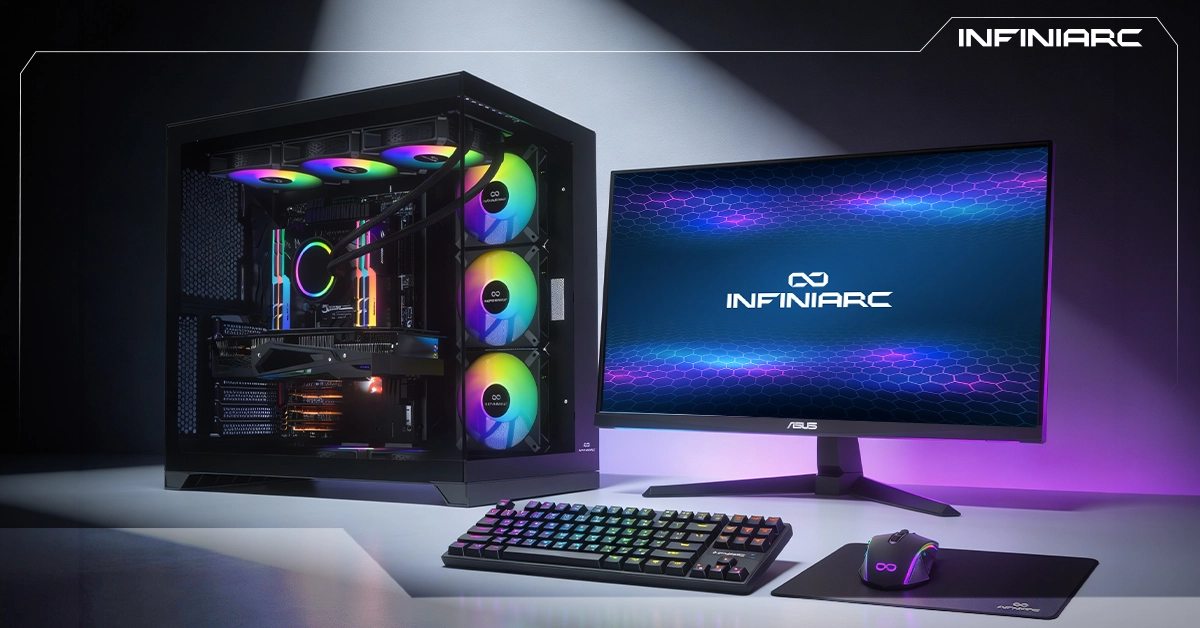
What Does the Ideal Gaming PC Build Look Like?
A well-balanced gaming PC brings together compatible components that handle modern games at 1440p or 4K, with clear room to grow over time: - CPU AMD Ryzen 7 9700X or Intel Core i7-14700K Eight cores, strong multi-threaded performance, and boost clocks reaching 5.5GHz handles demanding game logic and background tasks without bottlenecking your GPU.
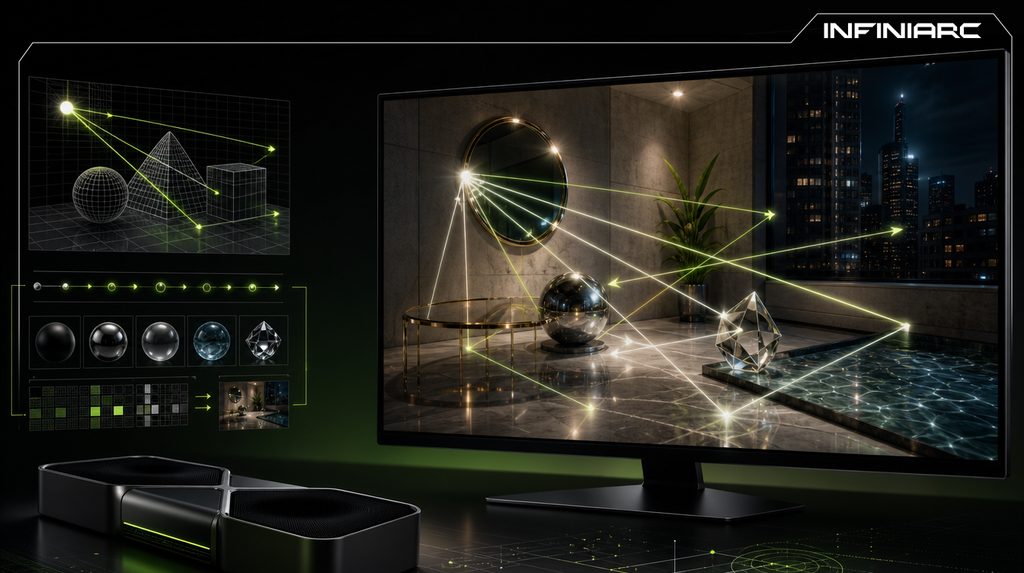
- GPU RTX 5070 or RX 9070 (16GB VRAM) The centerpiece of any serious build. DLSS 4 and ray tracing support deliver smooth AAA gaming at 144 FPS in 1440p. Check recent GPU benchmarks before committing.
- RAM 32GB DDR5 (2×16GB) at 6000MHz Brands like TeamGroup T-Force or Corsair Vengeance DDR5 hit this speed at competitive prices. Eliminates stuttering in multitasking and open-world titles.
- Storage 1TB NVMe Gen5 SSD + 2TB HDD Near-instant load times from the SSD, with the HDD handling overflow for large game libraries. This combo cuts load times by up to 70% over traditional drives.
- Motherboard B650 (AMD) or Z790 (Intel) PCIe 5.0, WiFi 7, USB4 support, and robust VRM delivery for stability under heavy loads and future CPU upgrades.
- PSU 850W 80+ Gold or Platinum, Fully Modular Options like the Corsair RM850x or ASUS TUF 850W protect your system and give you the headroom to upgrade your GPU down the road.
- Case and Cooling Mesh Case + 360mm AIO A case like the Lian Li Lancool paired with a 360mm AIO keeps temperatures under 75°C even during marathon gaming sessions.
Common Mistakes to Avoid When Building a Gaming PC
These are the errors that turn a promising build into a frustrating money pit especially relevant with newer hardware like RTX 50-series GPUs and DDR5:
- Mismatched CPU and motherboard an Intel CPU on an AMD board simply won't work. Always verify compatibility on PCPartPicker before buying anything.
- Underpowered or cheap PSU a unit rated below 750W or without 80+ Gold certification causes crashes and can damage components under load. Corsair and Seasonic are the go-to reliable options.
- GPU and CPU imbalance pairing an RTX 5090 with an older CPU creates a bottleneck that wastes 30–50% of your GPU's potential. Balance matters more than raw specs.
- Poor airflow or stock coolers closed cases and basic coolers push temps above 90°C, triggering thermal throttling and shortening component life. Mesh cases and AIO cooling are worth the investment.
- Insufficient or slow RAM 16GB will get you through today but increasingly struggles in modern titles. 32GB DDR5 at 6000MHz is the right call for any new build. Don't use DDR4 in a new platform.
- Skipping warranties and reviews components from unverified sellers without solid warranty coverage lead to early failures. Check Newegg, Tom's Hardware, and GamersNexus before pulling the trigger.
Choosing the right gaming PC comes down to one thing: balance. Match your components to your budget, your target resolution, and your long-term upgrade plans and you'll get more performance per dollar than any prebuilt can offer. Browse Infiniarc's full range of gaming monitors and PC components to find the right parts for your build, backed by expert guidance and real value for every riyal you spend.